








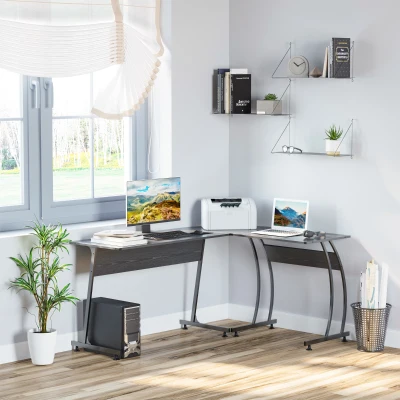
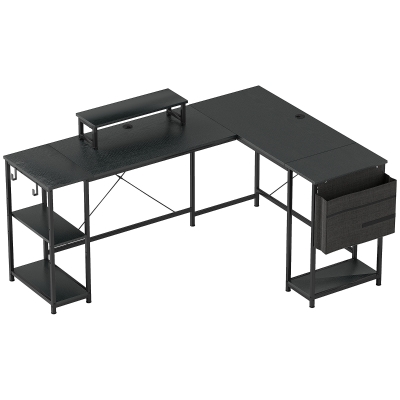
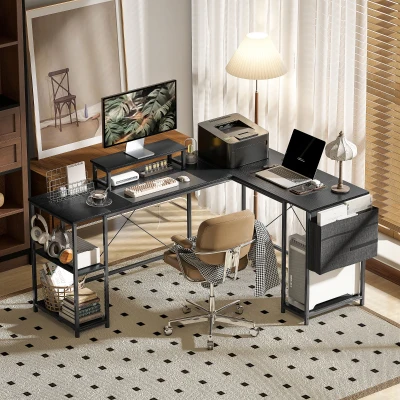


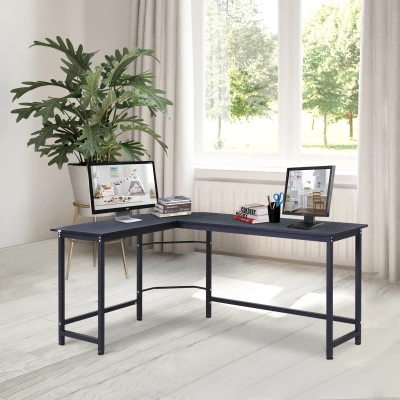









How to Choose the Right L-Shaped Corner Desk for Your Workspace
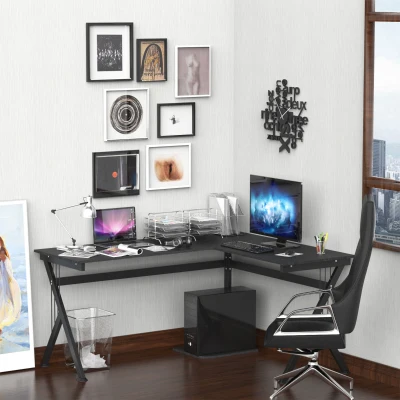
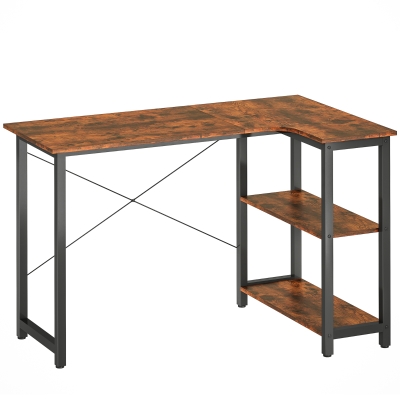
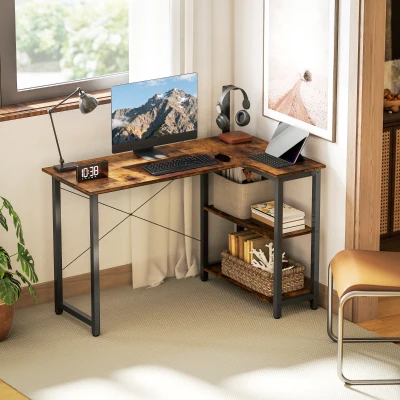
An L-shaped desk is not simply a larger straight desk. It is a spatial strategy. By claiming the corner that most room layouts waste, a corner workstation creates two distinct work zones without expanding your room's footprint — a primary run for screens and keyboard, and a return for reference materials, a printer, or a second device. L-shaped office desks can provide 60% to 100% more usable surface area than a comparable straight desk, which is why they remain the default choice for multi-monitor setups and hybrid work routines.
But not every L-desk fits every room. The products in this category range from compact 120cm units designed for bedroom nooks to modular reversible configurations that anchor a dedicated home office. Getting the size and feature set right matters more than any finish option.
Size First, Features Second
Measure both walls where the desk will sit before anything else. Standard corner desk depth runs 55–65cm; for comfortable elbow clearance, prioritize at least 24 inches (61cm) on the primary leg. Leave at least 30 inches (76cm) of clearance behind the chair for movement — this is a minimum, not a suggestion.
| Room Size | Recommended Leg Span | Example from This Category |
|---|---|---|
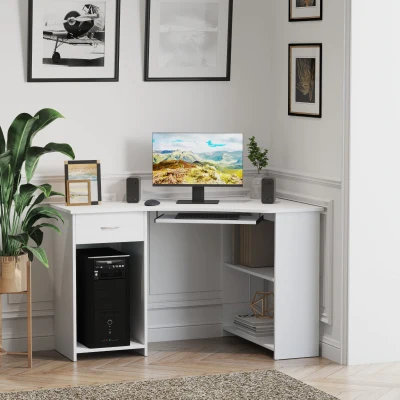
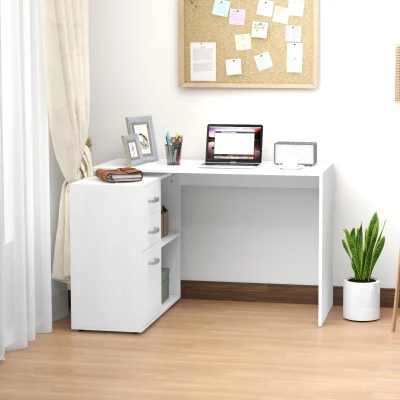
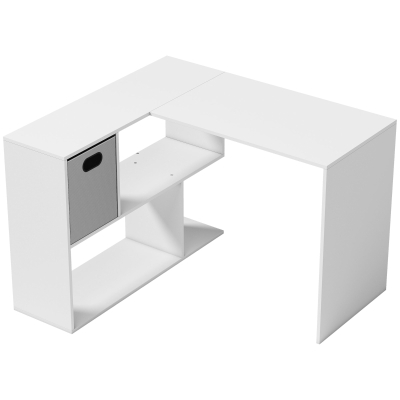
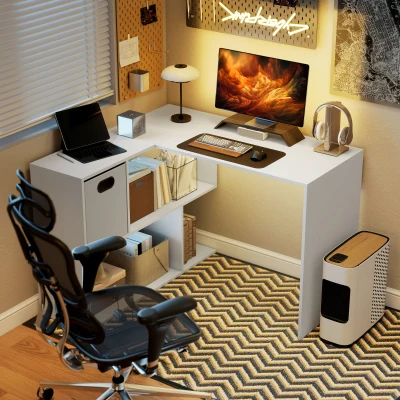
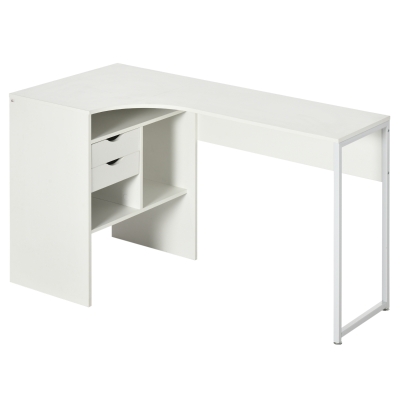
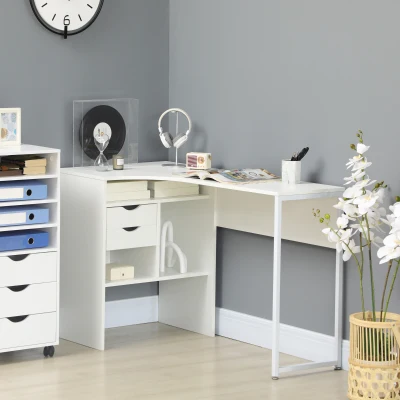
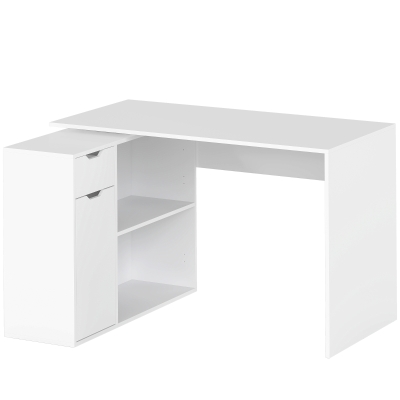
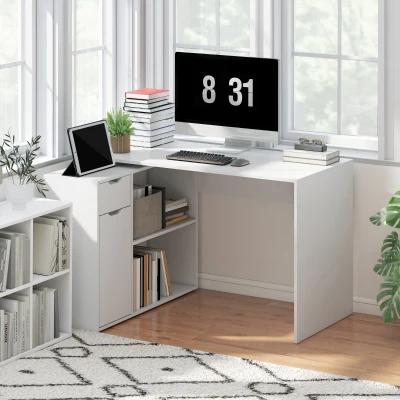
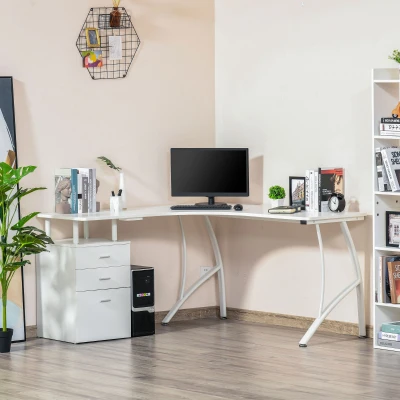
| Bedroom nook / studio alcove | 120cm per leg | HOMCOM L Shaped Desk, 120cm Computer Desk with 2 Drawers and 3 Storage Compartments — White |
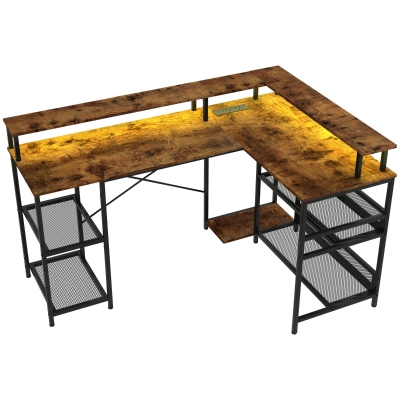
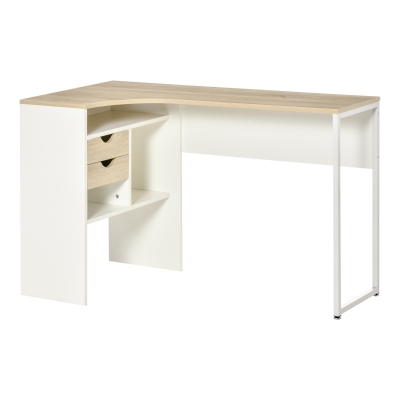
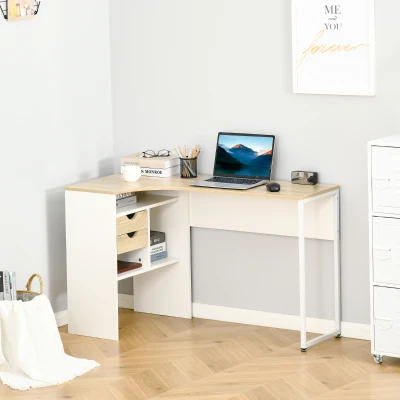
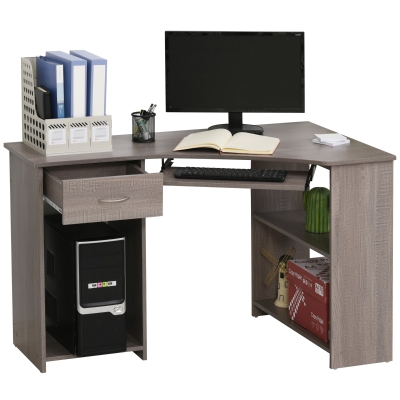
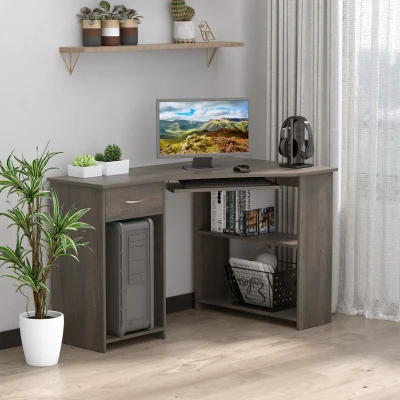
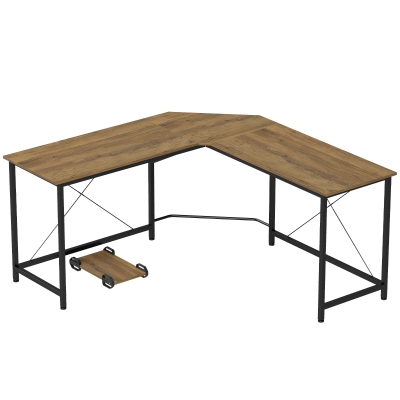
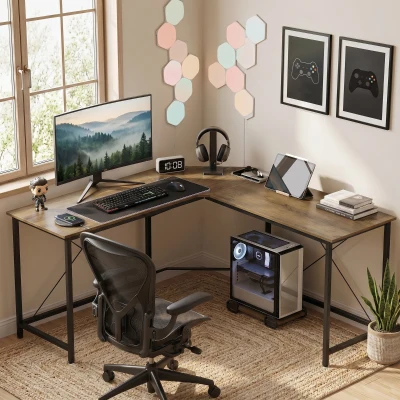
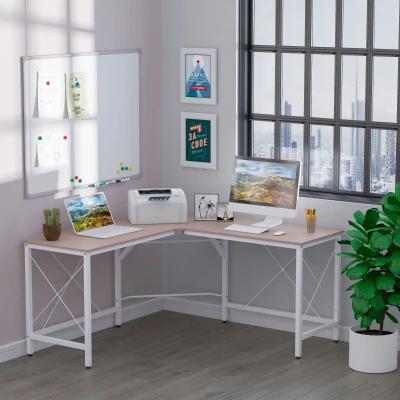
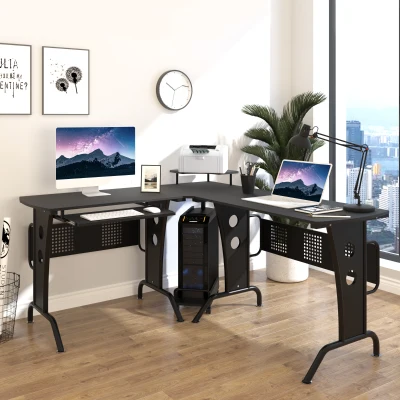
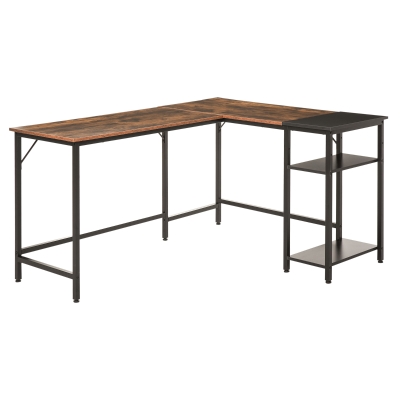
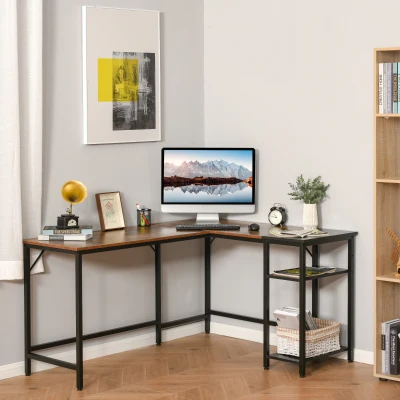
| Standard home office | 120–150cm per leg | HOMCOM L-Shaped Corner Computer Desk Study Table PC Work with Storage Shelf — Oak and White |
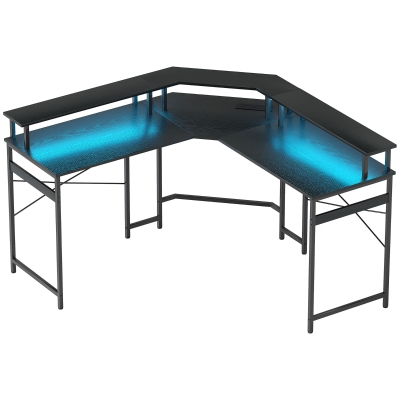
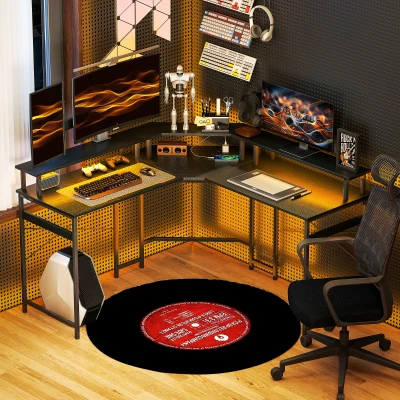
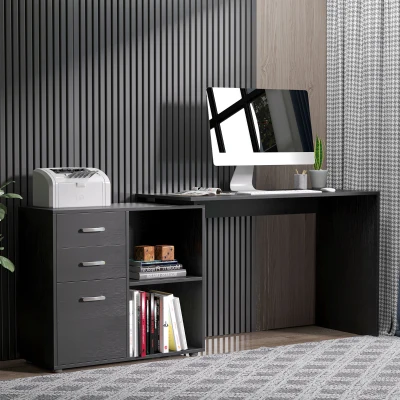
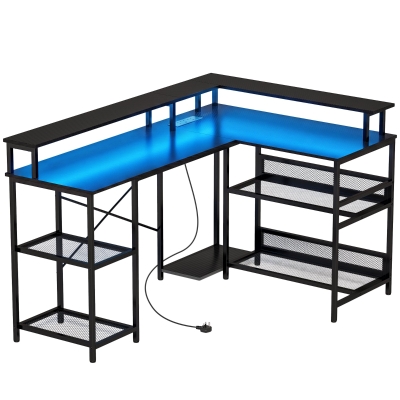
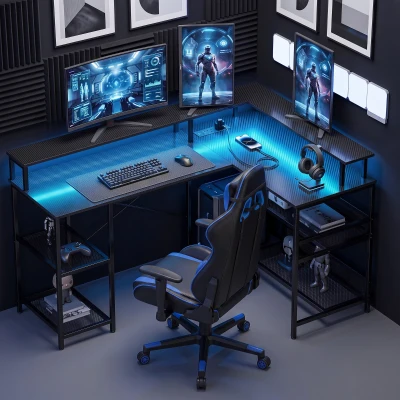
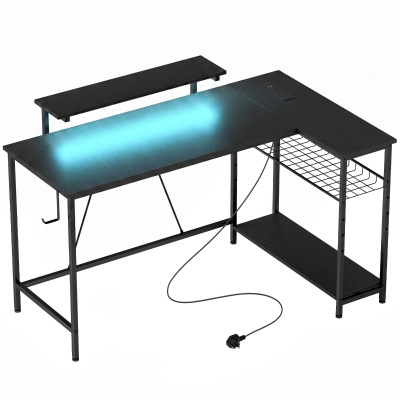
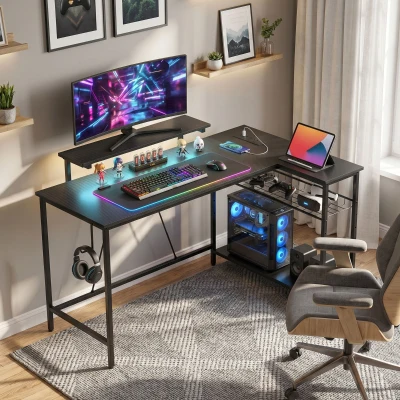
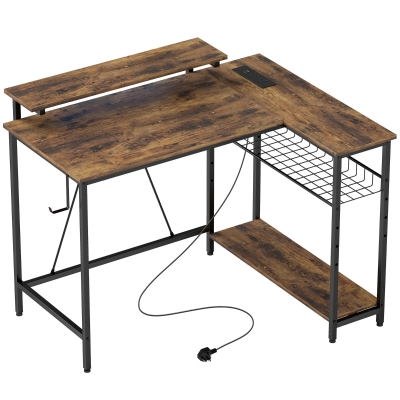
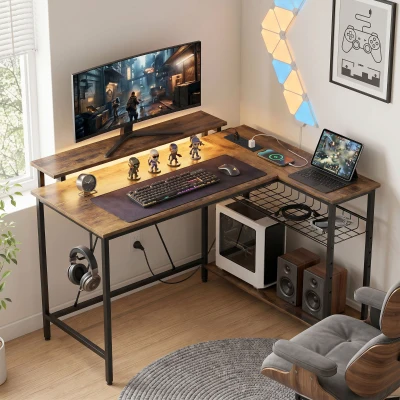
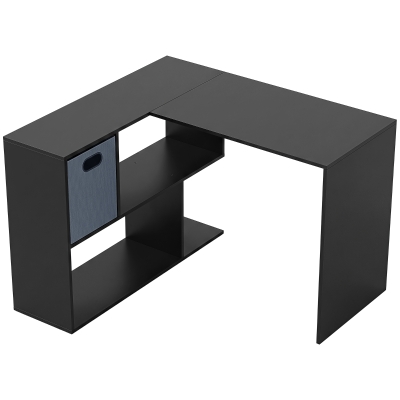
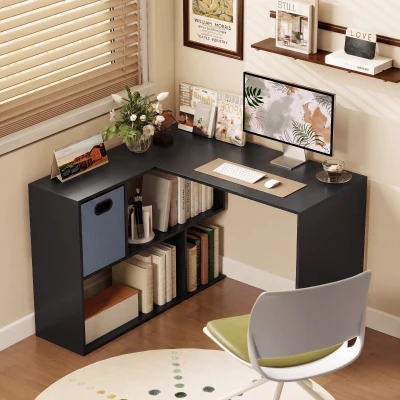
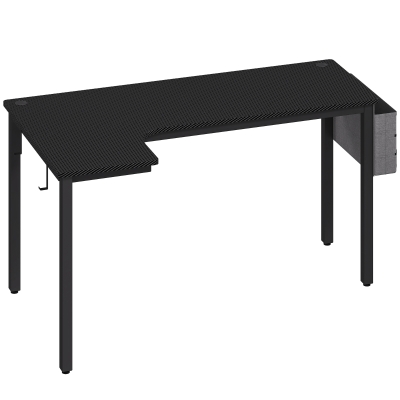
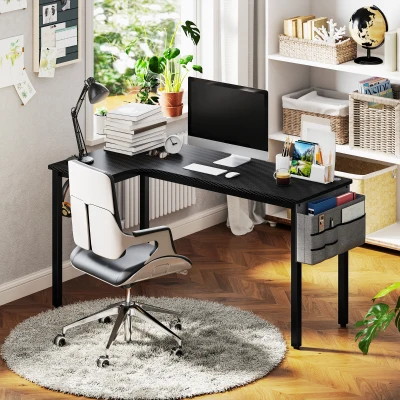
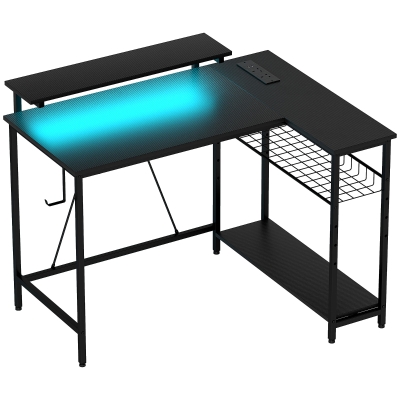
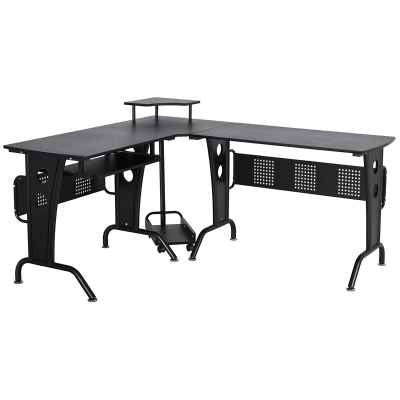
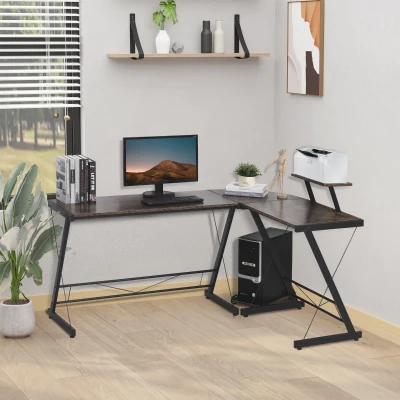
| Dedicated study / shared workspace | 150cm+ or reversible adjustable | HOMCOM Reversible 'L' LED Light Gaming/Work Desk — Black |
If your room is under 10 square metres, a fixed L-shape above 150cm will feel oppressive rather than efficient. Below that threshold, a reversible design is the safer investment — you can flip the return to the side that preserves the most open floor area.
Particle Board vs. Steel Frame: What Actually Affects Stability
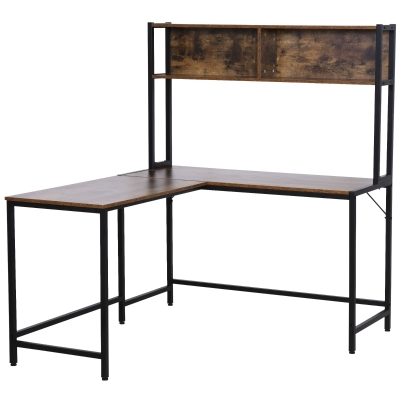
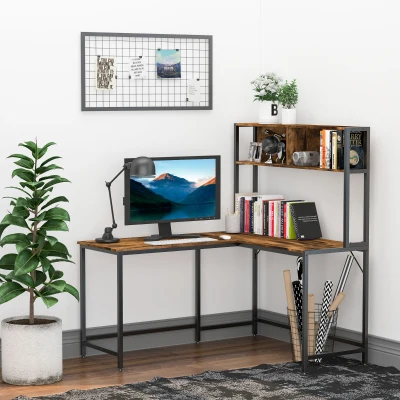
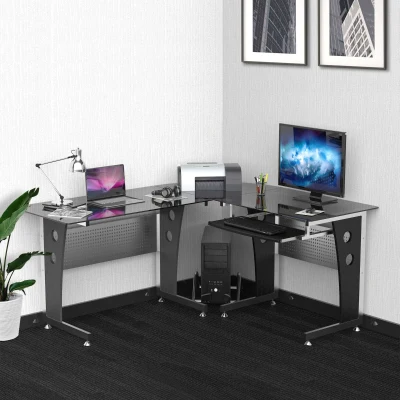
Almost every desk in this category uses a particle board top. The structural difference lies in the frame and crossbar configuration. Models with reinforced steel crossbars distribute weight more evenly across both legs, reducing the front-to-back wobble that single-crossbar frames develop over time. If you plan to mount a monitor arm on the desk surface rather than use the included stand, prioritize a model with a thicker top (typically 15mm+ board with a steel under-frame) and avoid glass tops entirely — they have no tolerance for clamped loads.
Reversible vs. Fixed: A Practical Distinction
A reversible desk lets you choose which wall receives the return. This is not a marketing nicety — it directly determines whether your chair can roll freely in the corner or gets trapped between a wall and a desk leg. Fixed L-desks are cheaper and often more rigid, but they lock you into one orientation. If you rent, move furniture seasonally, or are unsure about the final layout, the reversible option is worth the small premium. A reversible LED model, for instance, can be set up left or right depending on where your power outlets sit.
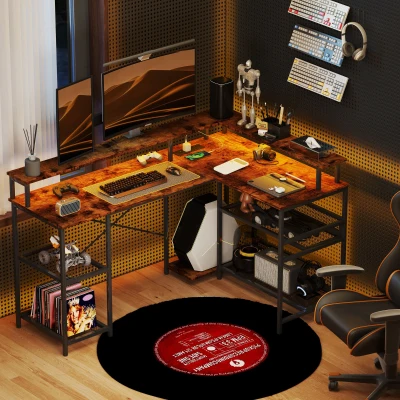
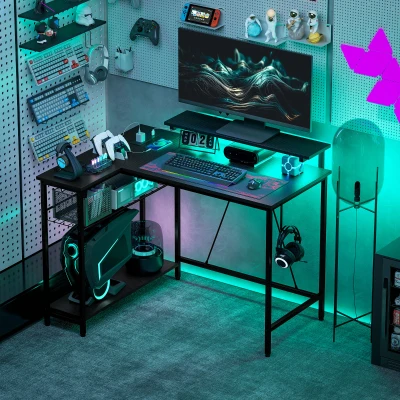
For gaming-specific setups, LED-lit models with integrated power outlets solve the cable management problem more elegantly than adding external power strips. Routing cables through pre-drilled grommets keeps the outlet bank off the floor, which matters when the desk sits against a wall with limited access.
FAQ
1. How long does assembly actually take, and do I need a second person?
Plan for 60–90 minutes for a standard L-desk and 2–3 hours for a modular or height-adjustable model. You can assemble the frame alone, but flipping the assembled desk upright without scratching the top is a two-person job. Tighten all bolts by hand first and leave them loose until every panel is aligned — over-tightening early is the single most common cause of misaligned screw holes in customer reviews. A cordless screwdriver with a hex bit saves significant time, but finish the last quarter-turn by hand to avoid stripping the particle board.
2. Will an L-shaped desk fit in a room that is roughly 3m × 3m?
Yes, if you choose a leg span of 120cm or less per side and position the desk so the longer run faces the window or the wall you face most often. In a 3m × 3m room, a 120cm × 120cm L-desk leaves roughly 1.5m of free floor depth on the opposite side, which is enough for a chair and circulation. The risk is not the desk itself but the return leg blocking a door swing or radiator. Measure the arc of any door and subtract that from your available wall length before committing to a size.
3. How do I manage cables on an L-shaped desk without drilling holes?
Use the grommets or cable management grates that come with most models in this category — they are designed for exactly this purpose. Route monitor and peripheral cables down the back of the desk through the grommet nearest the CPU stand, then bundle them along the rear frame using adhesive-backed cable clips. Mount a slim surge protector to the underside of the desk with heavy-duty velcro rather than laying it on the floor. This keeps power reachable without adding a trip hazard or visible clutter. If your desk lacks built-in routing, an under-desk cable tray adds 8–10cm of clearance and is the least invasive retrofit available.