















Ergonomic Chairs for Productive Setups and Better Space Planning
An ergonomic chair does more than add comfort to a desk area. In a home office, shared workspace, or compact study corner, the right model helps you move more easily, sit with better alignment, and make smarter use of the floor space around your desk. That is why this category includes practical options such as mesh office chairs, high back executive chairs, armless desk chairs, and drafting chairs with a foot ring and adjustable height.
When planning a workstation, it helps to think beyond the chair alone. A 360° swivel base and wheels support quick movement between screens, drawers, and side storage, while flip-up armrests make it easier to slide the chair fully under the desk when space is tight. This kind of flexibility is especially useful in compact rooms, hybrid home offices, and multi-use study areas.
1. Match the chair type to the way you work
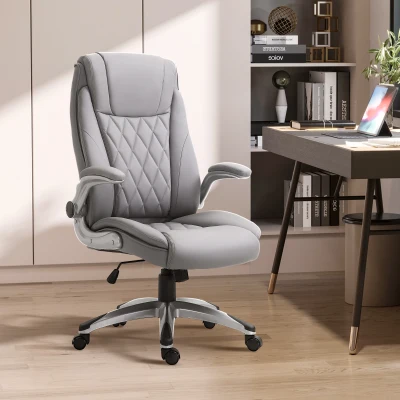
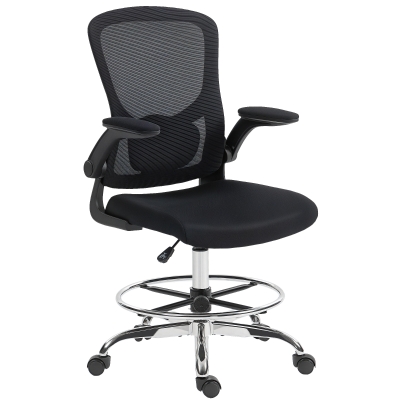
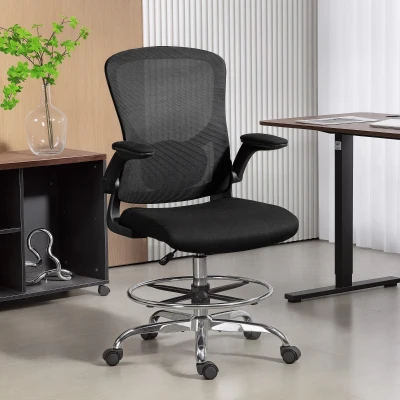
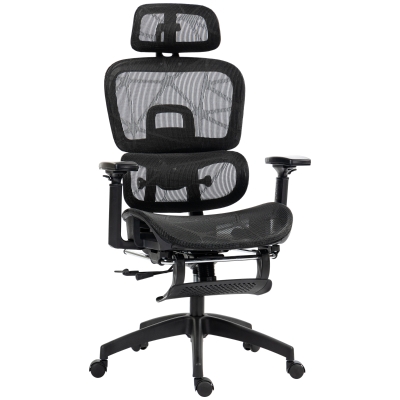
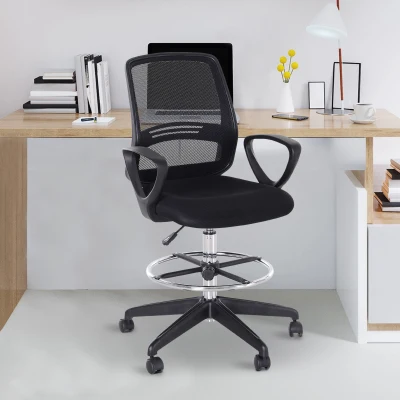
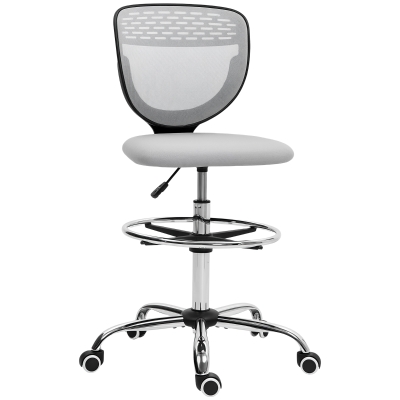
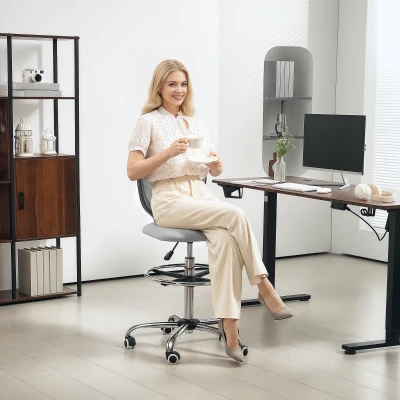
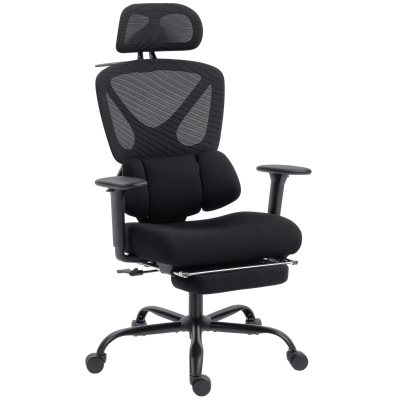
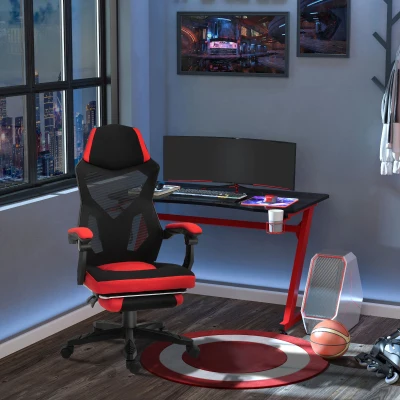
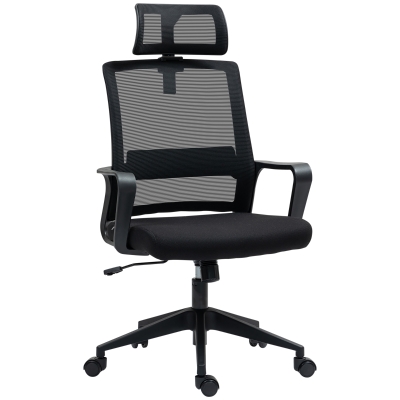
Different work patterns call for different ergonomic features. For long seated sessions, a chair with lumbar support, headrest, and reclining backrest usually gives better all-day support. For more active tasks, a lighter mesh ergonomic office chair or compact armless swivel chair often feels less bulky and easier to reposition. If your desk is higher than standard, a drafting chair with a foot ring can create a more stable sitting angle than a regular office chair.
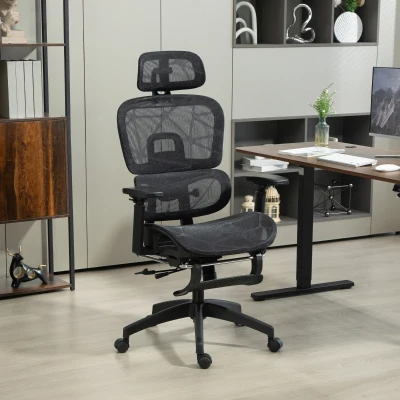
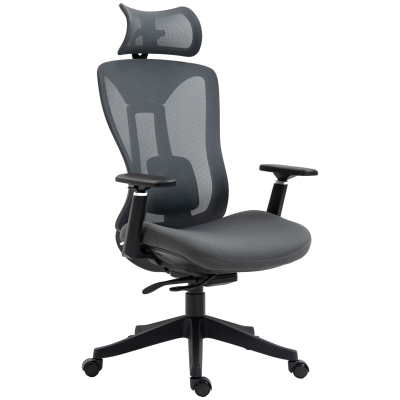
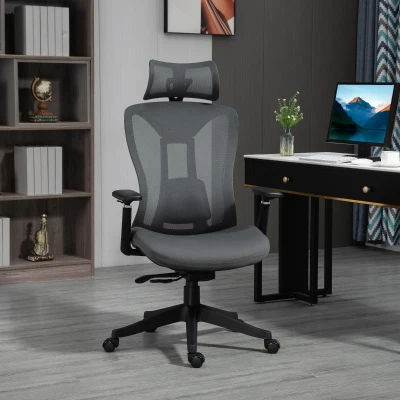
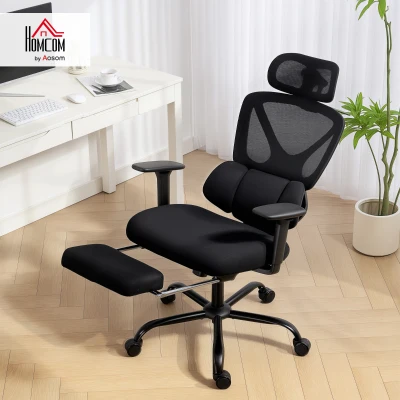
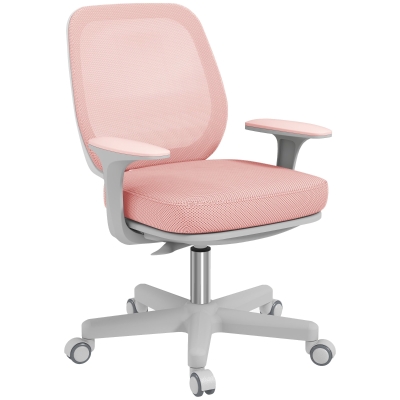
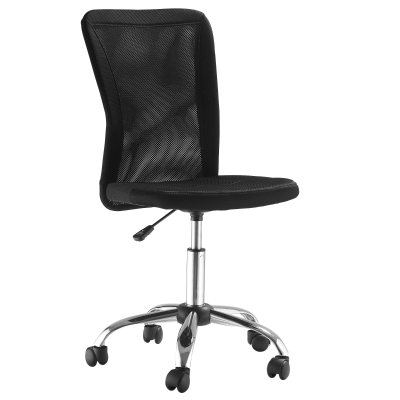
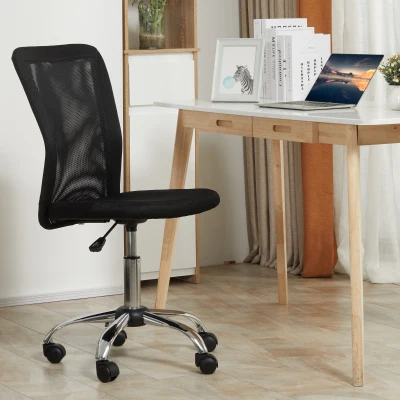
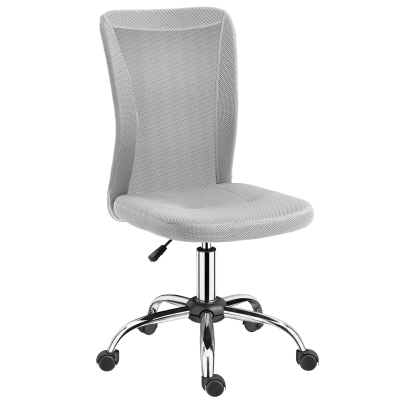
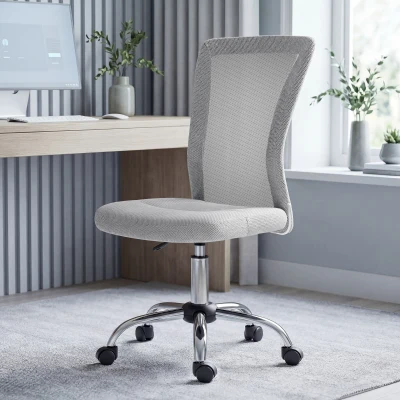
For example, the HOMCOM Ergonomic office chair, drafting chair, 4D lumbar support, flip-up armrests suits workstations where users need multiple adjustment points and space-saving arms. In a smaller home office, the Vinsetto Office Chair, Armless Desk Chair, Adjustable Computer Swivel Chair with Rolling Wheels and Mesh Back makes more sense when you want a cleaner footprint and easier tuck-under storage.
2. Use chair size strategically in small rooms
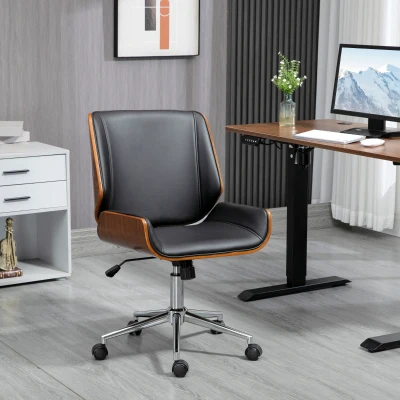
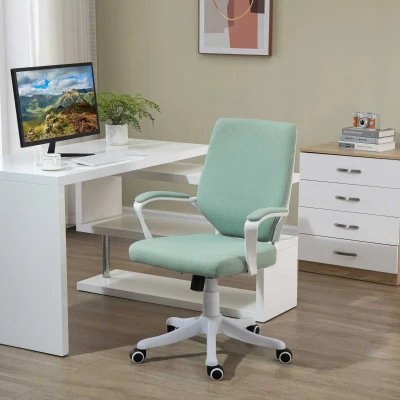
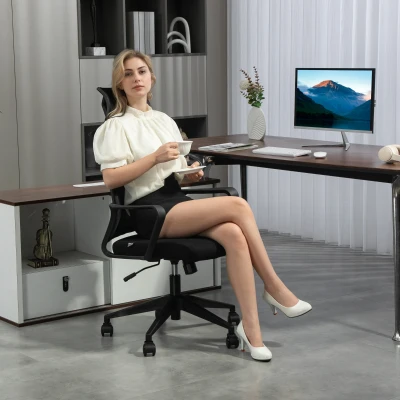
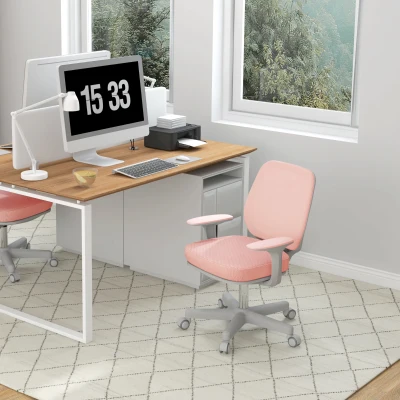
In compact rooms, the wrong chair can block movement and make the whole office feel crowded. Mid back and armless models usually work better in narrower layouts, while high back and executive office chairs need more clearance behind the desk. A good rule is to leave at least 75-90 cm of free movement space behind the chair and enough room at each side for arm movement and rolling access.
| Chair Type | Best Workspace | Main Features | Space Planning Benefit |
|---|---|---|---|
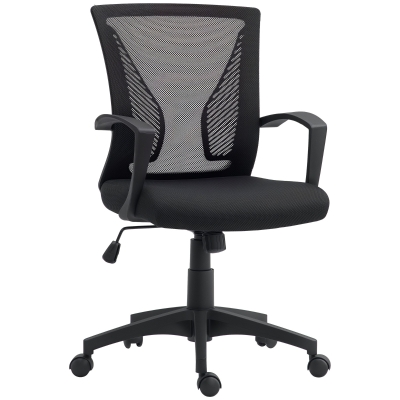
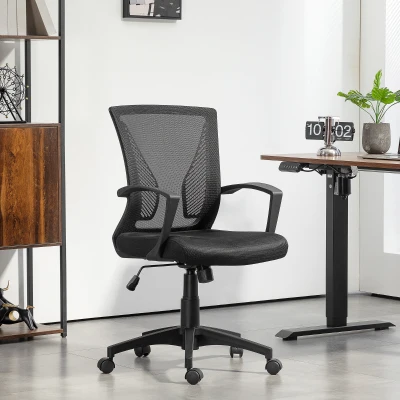
| Armless Desk Chair | Small study corners, bedroom offices | Height adjustable, swivel, rolling wheels, mesh back | Slides neatly under the desk and keeps walkways clearer |
| Mesh Ergonomic Office Chair | Daily home office use | Breathable mesh, lumbar support, adjustable height | Balances comfort and a lighter visual footprint |
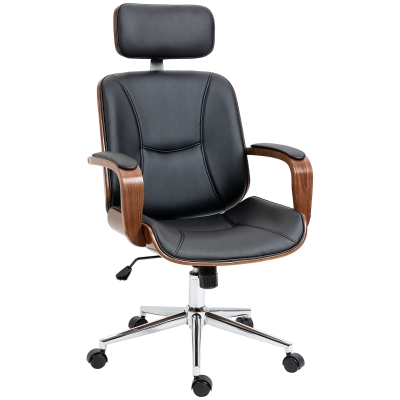
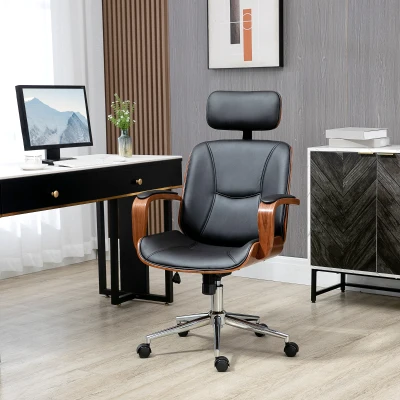
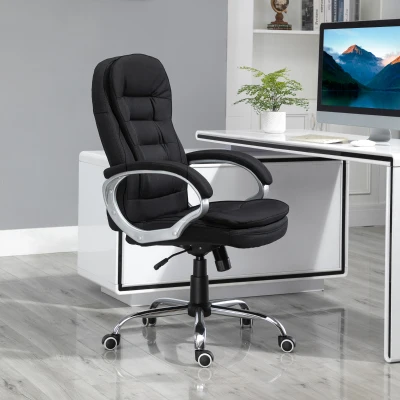
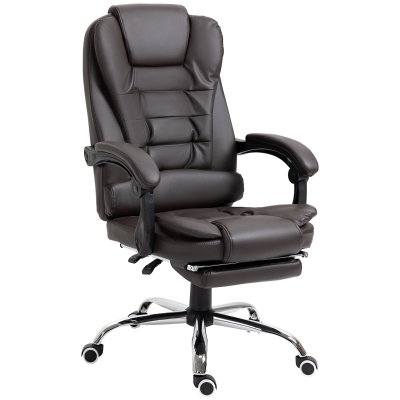
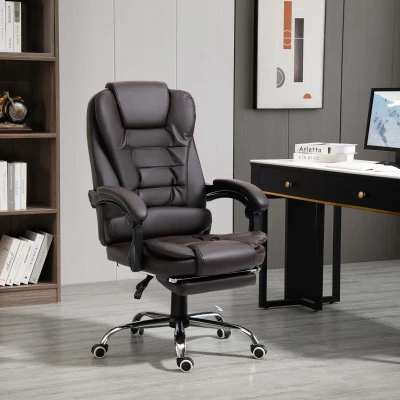
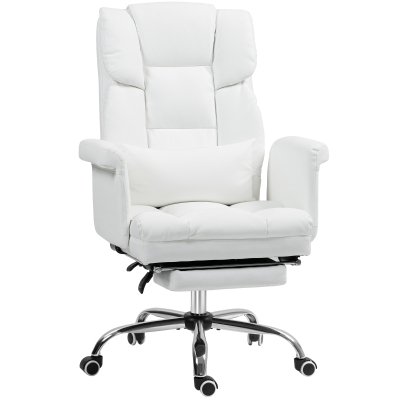
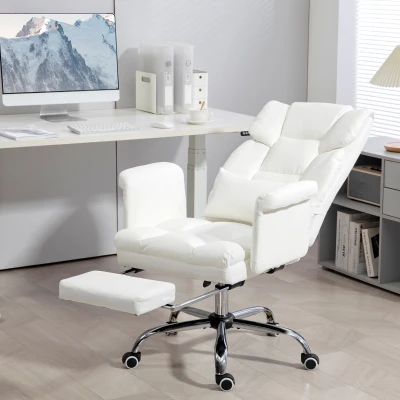
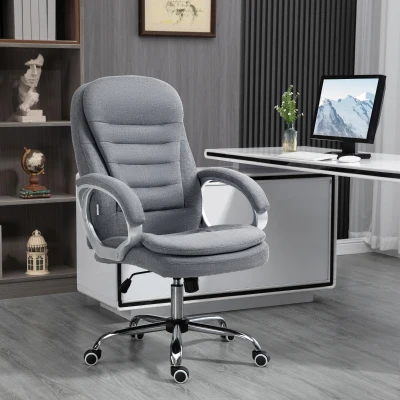
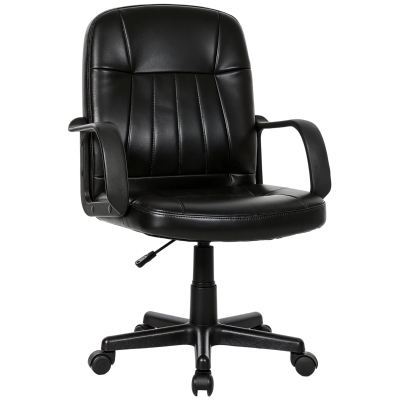
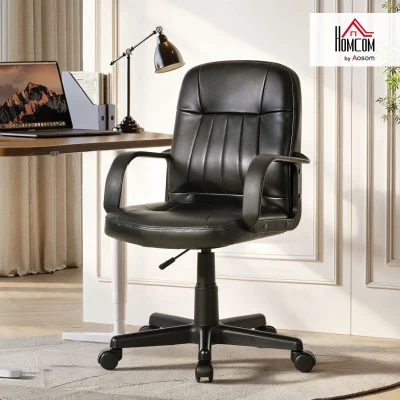
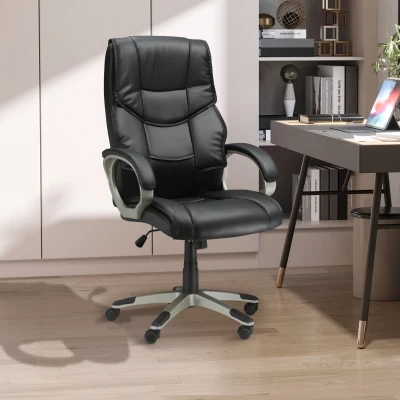
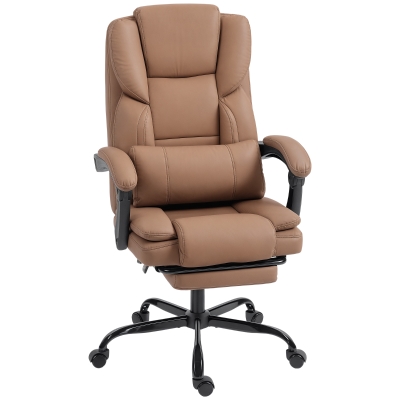
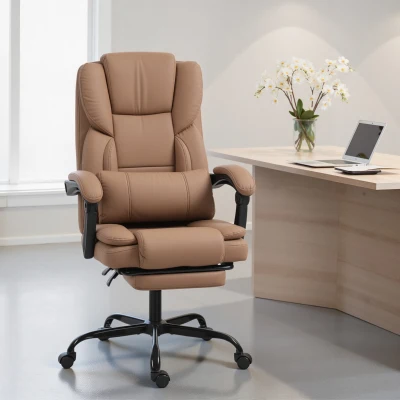
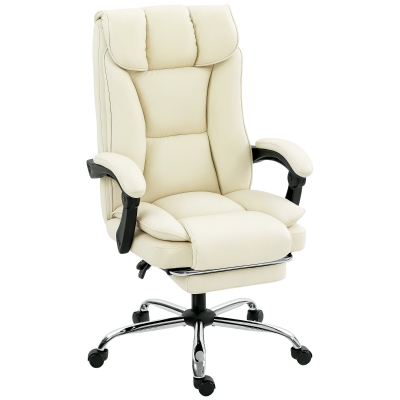
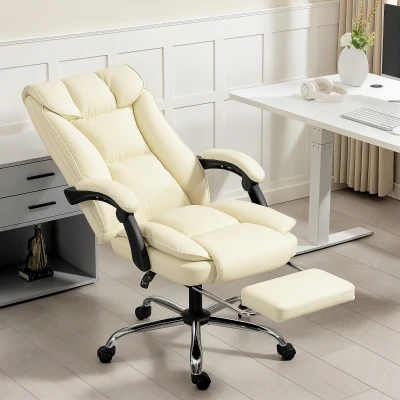
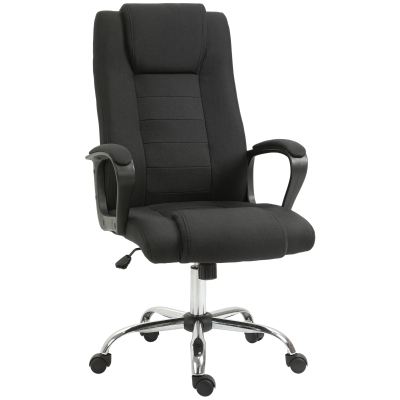
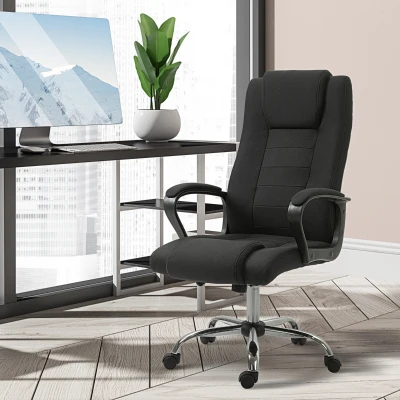
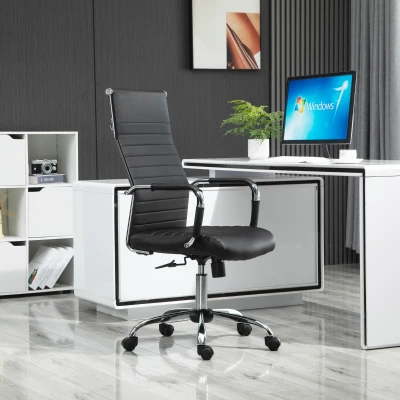
| High Back Executive Chair | Dedicated office rooms | Headrest, padded seat, reclining backrest, PU leather or linen touch | Best for long sessions, but needs more clearance |
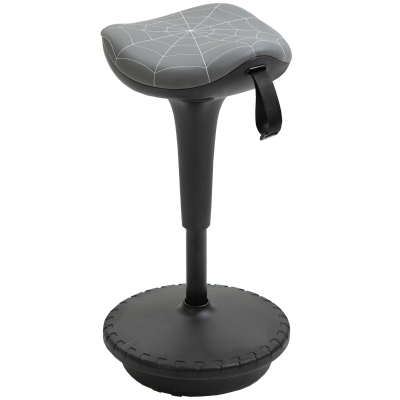
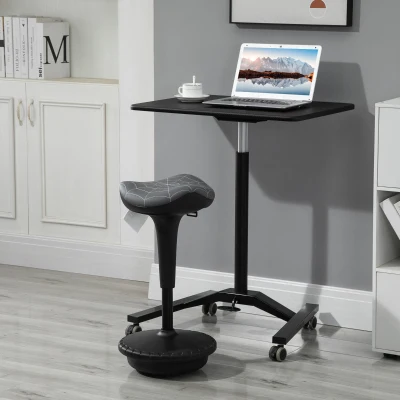
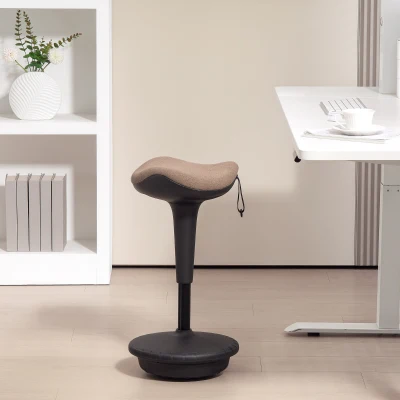
| Drafting Chair | Taller desks, creative stations, counters | Foot ring, tall lift range, swivel wheels | Improves fit where standard seat height is too low |
3. Prioritise adjustability when the chair is used by more than one person
A fixed chair often becomes a weak point in shared workspaces. Look for height adjustable seating, a supportive backrest, and arm options that do not interfere with the desk edge. A wider adjustment range is especially helpful in households where more than one person uses the same workstation. Features such as tilt function, rocking function, and adaptive lumbar support help the chair feel usable across different body types and sitting habits.
In many cases, the better option is not the biggest chair, but the one that lets you keep your feet flat, knees close to a 90° angle, and elbows level with the desk surface. That kind of fit matters more to daily comfort than thick padding alone.
4. Choose materials based on heat, maintenance, and room style
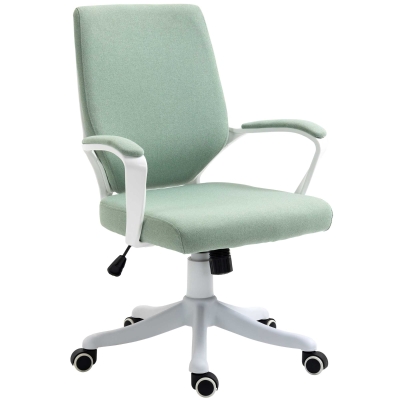
Material affects both comfort and how the chair fits into the room visually. Breathable mesh works well in warmer rooms and for users who sit for long periods, while PU leather and faux leather create a more formal look and are easier to wipe down quickly. Linen touch upholstery can soften the feel of a home office and blend more naturally with residential furniture.
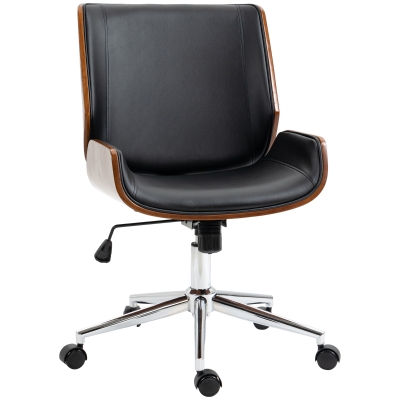
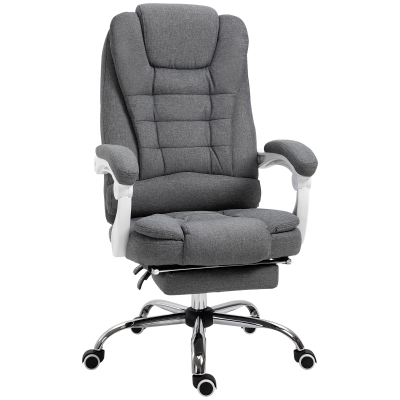
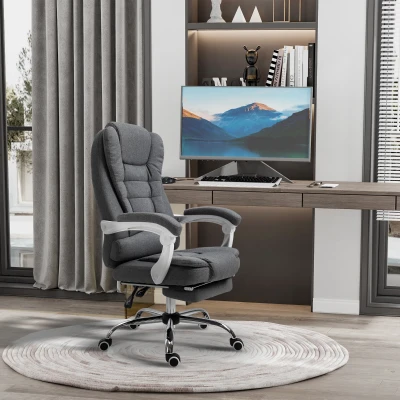
A chair such as the Vinsetto Office Chair Computer Chair with Rocking Function, Headrest, Ergonomic Desk Chair Swivel, Height-Adjustable Linen Touch Black suits hybrid spaces where work furniture needs to feel less corporate. By contrast, a PU leather executive office chair can anchor a larger room more effectively when you want a more traditional office look.
5. Think about motion, not just cushioning
Many shoppers focus first on thick padding, but movement features often have a bigger effect on everyday comfort. A chair with 360-degree swivel, smooth casters, and a stable base supports quick transitions between keyboard, monitor, printer, and storage. Flip-up armrests are particularly useful when the chair needs to move under a desk after work, while a footrest and reclining backrest can help during longer sessions that include reading, calls, or review work.
If you spend part of the day switching between tasks, a chair with more dynamic movement can make the room feel easier to use. This is especially true in compact offices where every centimetre of movement space matters.
6. Build a setup that supports posture without overcrowding the room
The best ergonomic chairs support the natural curve of the spine, help distribute body weight more evenly, and reduce pressure around the lower back and hips. In practical terms, that means choosing the right combination of lumbar support, headrest, seat height, and backrest recline for your desk height and daily routine. A chair that is too large for the room often ends up being used badly, even if its spec sheet looks impressive.
A balanced setup should let you roll back from the desk easily, keep your screen centred, and avoid awkward reaching. When those basics are in place, an ergonomic chair becomes part of a more efficient office layout rather than just another piece of furniture.
FAQ
1.What type of ergonomic chair is best for a small home office?
For smaller rooms, an armless or mid back ergonomic chair is often the most practical choice because it takes up less visual and physical space. Look for adjustable height, lumbar support, and swivel wheels. As a useful guide, try to keep at least 75 cm of open space behind the chair so you can move back comfortably without hitting a wall or storage unit.
2.Do ergonomic chairs help with back or hip discomfort during long workdays?
They can help when the chair is adjusted correctly. A good ergonomic chair supports the spine’s natural S-shape, reduces slumping, and spreads body weight more evenly across the seat. For better results, set the chair so your feet stay flat on the floor, knees sit at about 90°, and the lumbar support meets the curve of your lower back. If you work for long periods, stand up and move for 2-3 minutes every 30-60 minutes.
3.How do I choose between mesh, PU leather, and a chair with a footrest?
Choose mesh if you want better airflow and a lighter feel for daily desk work. Choose PU leather or faux leather if easy wipe-clean maintenance matters more or you prefer a more executive look. A footrest is most useful when you spend long periods reclined for reading, calls, or breaks, but it also needs more room in front of the chair. Before buying, measure both the desk area and the chair’s full depth when reclined so it does not restrict movement in the room.