















Gaming Desk: Which Features Actually Matter for Your Setup?
You've picked your monitor, chosen your keyboard, and selected the perfect gaming mouse. But there's one piece of the setup that often gets overlooked until it's too late: the gaming desk. A desk that's too small, lacks cable management, or doesn't have the right features can turn even the best gaming rig into a frustrating experience.
The modern gaming computer desk is more than just a flat surface. It's designed with gamers in mind, with features that keep your setup organized, your devices charged, and your focus sharp. But with so many options available, how do you know which features are worth it? In this guide, we'll break down the most important gaming desk features and help you choose the ones that match your gaming habits.
Cup Holders and Headphone Hooks: Small Features, Big Convenience
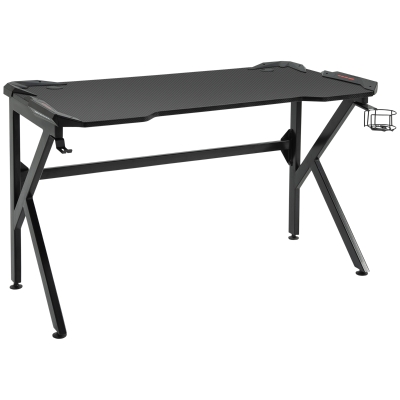
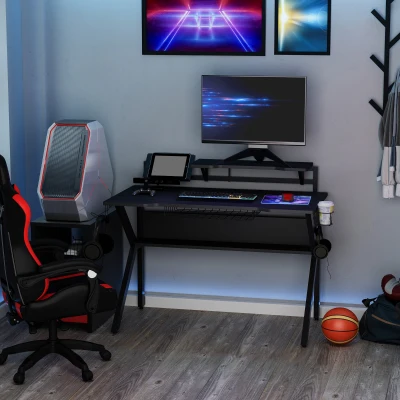
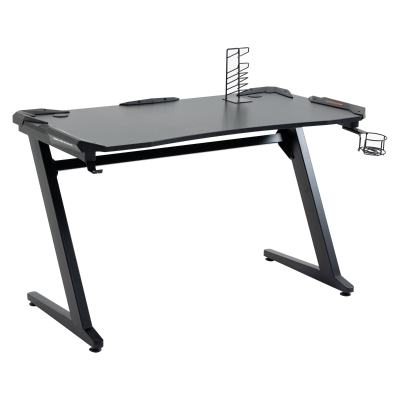
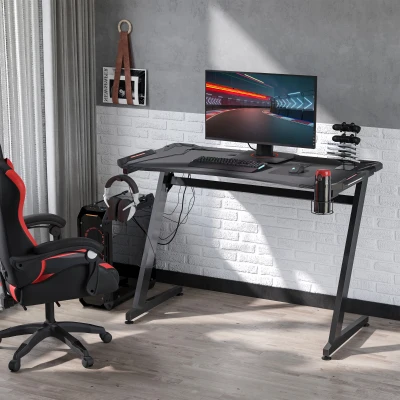
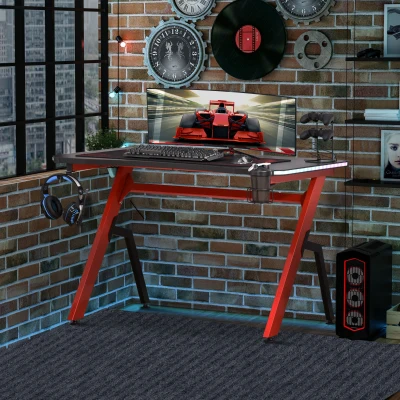
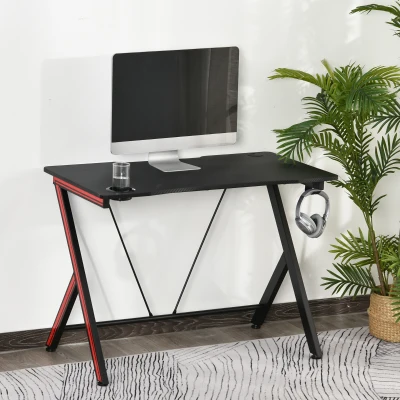
These two features might seem like minor additions, but for gamers who spend hours at their desks, they quickly become essential. A gaming desk with cup holder keeps your drink within easy reach without the risk of spills on your keyboard or mousepad. The cup holder is usually built into the edge of the desk or attached to the side — a simple but brilliant design that prevents accidental spills during intense gaming sessions.
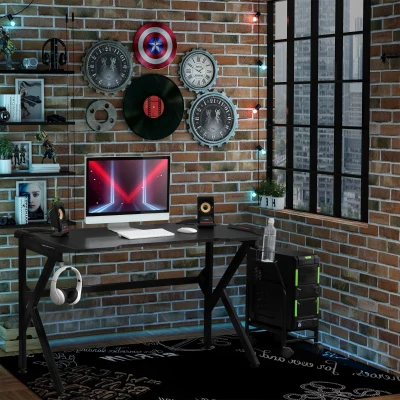
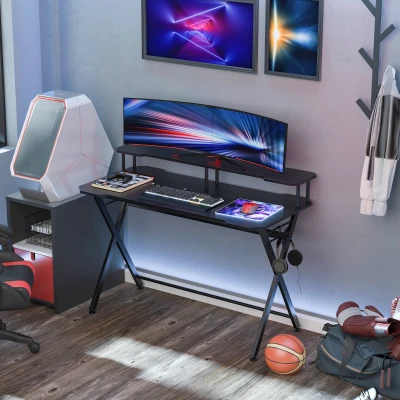
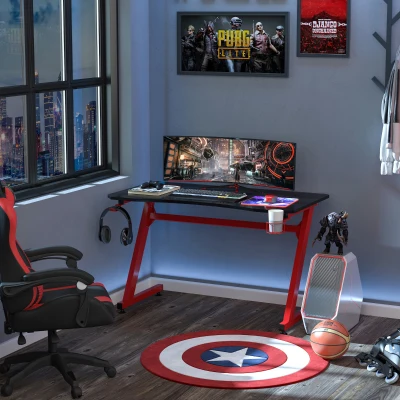
A gaming desk with headphone hook solves another common problem: where to put your headset when you're not wearing it. Instead of draping it over your monitor or leaving it on the desk, a headphone hook keeps your headset safe, accessible, and out of the way. Many racing gaming desks include these hooks as standard features, often with a dedicated location that keeps your headset from interfering with your mouse movement.
RGB LED Lighting: More Than Just Pretty Lights
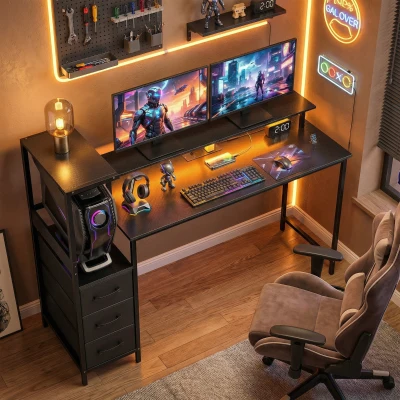
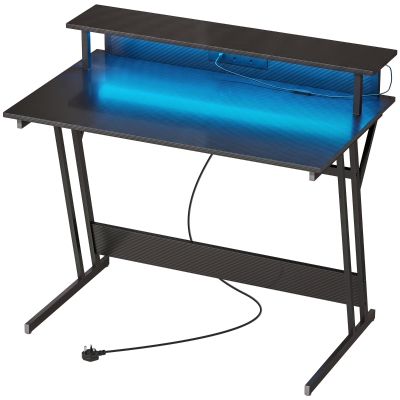
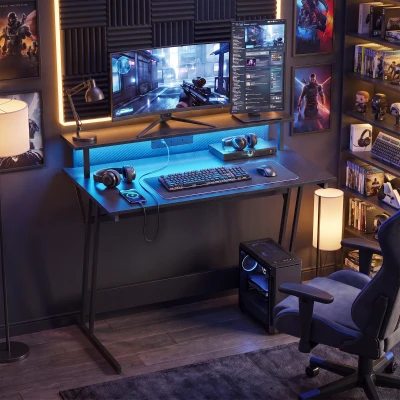
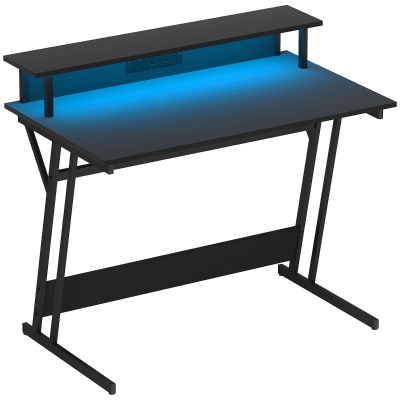
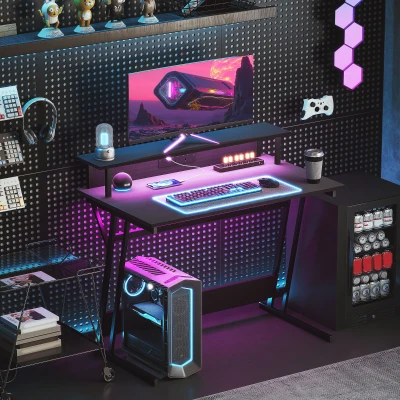
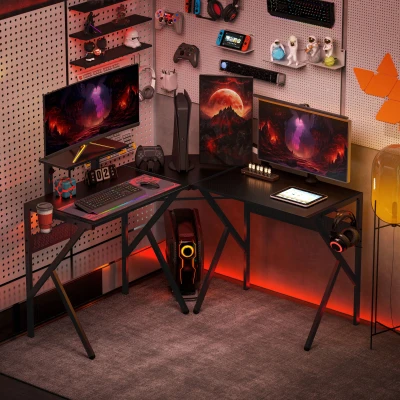
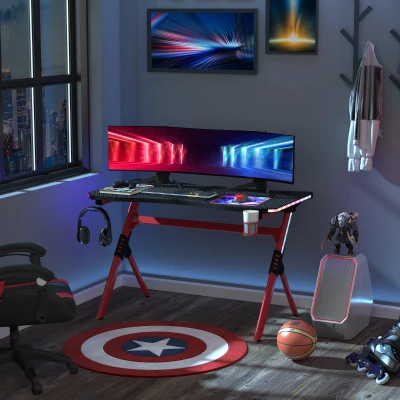
RGB lighting has become a signature feature of gaming setups, and for good reason. A gaming desk with RGB LED lights doesn't just look cool — it helps create the immersive atmosphere that makes gaming feel different from other activities. The ability to customize colors and lighting modes allows you to match your desk to your game, your mood, or your overall room aesthetic.
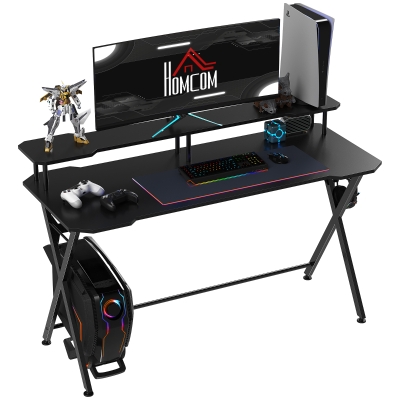
Many RGB gaming desks allow you to control the lighting through a remote or even an app, with options to cycle through colors, set static colors, or sync with your other RGB peripherals. The carbon fibre surface on many of these desks reflects the lighting beautifully, adding to the premium feel. Some models even include controller racks alongside the lighting, giving you a dedicated spot for your gamepad.
Charging Stations and Power Outlets: Stay Powered Up
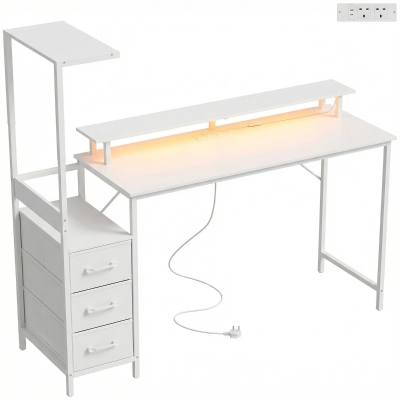
Modern gaming setups require power — lots of it. Between monitors, speakers, phones, tablets, and game controllers, you can quickly run out of accessible outlets. A gaming desk with charging station or power outlets built directly into the desk solves this problem elegantly.
These desks typically feature USB charging ports and standard power outlets integrated into the desktop, so you can plug in your devices without reaching behind your monitor or under the desk. Whether you're charging your phone, your wireless headset, or your controller, having power right on the desktop makes everything more convenient. A computer table with charging station is especially valuable for streamers and content creators who rely on multiple devices throughout their sessions.
Cable Management: The Secret to a Clean Setup
A cluttered desk can feel cluttered in more ways than one. Tangled cables not only look messy, but they can also interfere with your mouse movement and make cleaning the desk more difficult. Gaming desks with cable management include built-in solutions like wire baskets, channels, or dedicated routing holes that keep cables hidden and organized.
The cable management features on a gaming computer desk typically include a basket or tray mounted underneath the desk, where you can route and store excess cable length. By keeping cables off the desktop and floor, you maintain a clean, professional look while making it easier to clean and adjust your setup. For gamers who value both aesthetics and functionality, proper cable management is a game-changer.
Monitor Stands and Desktop Layouts: Ergonomics Matter
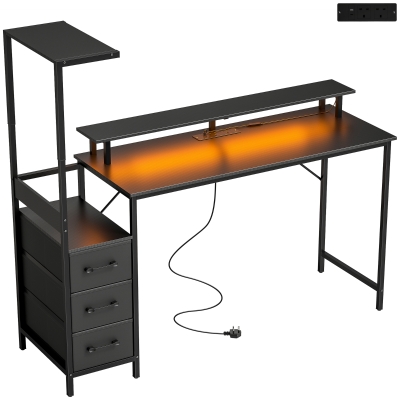
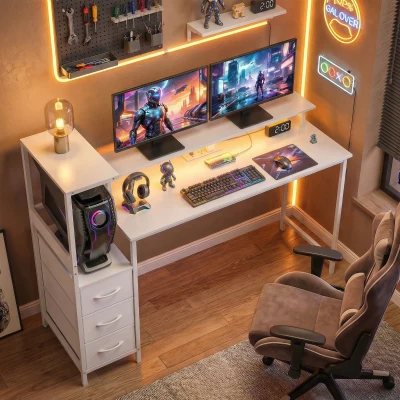
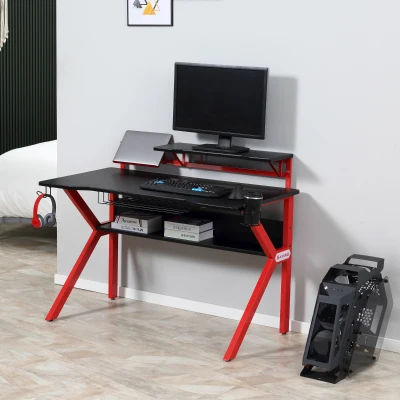
Screen positioning affects everything — your posture, your comfort, and your performance. A gaming desk with monitor stand raises your screen to eye level, reducing neck strain and helping you maintain a more comfortable posture during long sessions. Some desks include a built-in monitor stand as part of the desktop design, while others offer a separate riser that you can position wherever you need it.
The monitor stand also adds value by freeing up desktop space. By elevating your primary monitor, you create space underneath for storing small items, routing cables, or even placing a keyboard when not in use. For those who use multiple monitors, a gaming desk with a wide surface (often 142-147cm or more) paired with a monitor stand is essential for a clean, organized setup.
Desk Shape and Size: Finding Your Fit
Beyond the features, the shape and size of your gaming table will determine how well it fits your room and your needs.
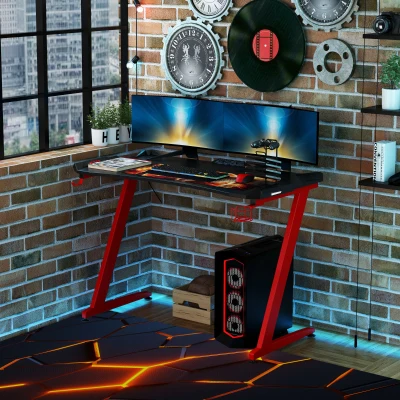
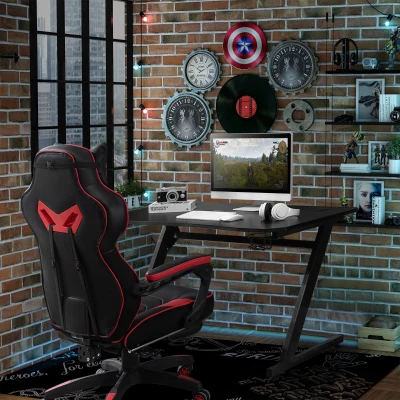
Racing-style desks are characterized by their K-shaped or Z-shaped legs and carbon fibre surfaces. They often include the full range of gaming features — cup holders, headphone hooks, RGB lighting, and cable management — in a streamlined, sporty design.
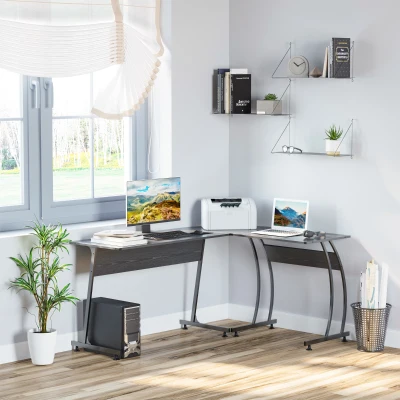
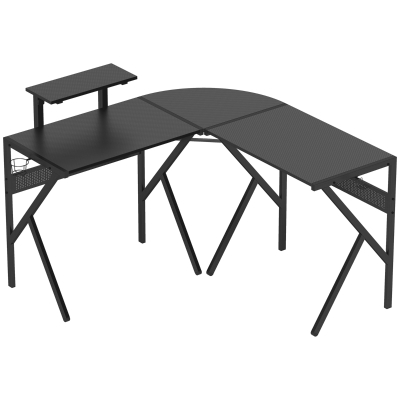
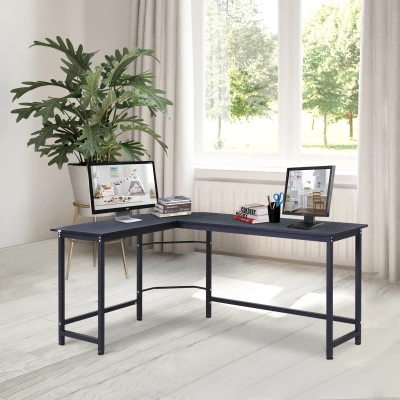
L-shaped gaming desks are perfect for larger setups with multiple monitors or for gamers who also use their desk for work or study. The L-shape provides a generous surface area while fitting neatly into a corner, making it a great space-saving option.
Compact gaming desks (100-120cm wide) are ideal for smaller rooms or setups where space is limited. They still include all the essential gaming features, just in a smaller footprint.
Frequently Asked Questions
1. What features should I look for in a gaming desk?
The most valuable features in a gaming desk are: cup holders for safe drink placement, headphone hooks for headset storage, cable management to keep wires organized, RGB lighting for atmosphere, and charging stations for keeping devices powered. Consider your gaming habits — if you play long sessions, cup holders and headphone hooks are essential. If you stream or use multiple devices, a gaming desk with power outlets will be a game-changer.
2. Are RGB lights on a gaming desk worth it?
Yes, RGB lights are worth it for gamers who value immersion and atmosphere. They help separate gaming time from work or study time by visually transforming your space. Many gaming desks with LED lights offer customizable colors and modes, allowing you to match the lighting to your game or mood. While not a functional necessity, the psychological boost of a well-lit gaming space is real and can enhance your overall experience.
3. How do I know if a gaming desk is the right size for my room?
Measure your available space before choosing a gaming desk. For a single monitor setup, a 120cm wide desk is usually sufficient. For dual monitors, go for 140cm or wider. Also measure the depth — most gaming desks are 60-66cm deep, which is ideal for monitors and peripherals. Consider a corner gaming desk if you have limited wall space but need a larger work area. Always leave at least 60cm of clearance for your chair to move comfortably.
Build Your Perfect Gaming Setup
The best gaming desk is the one that matches your gaming style and fits your space. Whether you're a casual player who wants a clean, organized setup, or a competitive gamer who needs maximum efficiency and immersion, there's a computer gaming desk designed for you. Prioritize the features that matter most to your daily routine, and don't forget to consider the size and shape that works best for your room.
With the right gaming desk, every session becomes more comfortable, more organized, and more enjoyable — leaving you free to focus on what really matters: the game.