





















Ergonomics + Small Spaces: How to Create a Healthy Workstation When Every Inch Counts
You don't need a sprawling home office to work comfortably. In fact, some of the best ergonomic setups I've seen fit into corners, alcoves, and even repurposed closet nooks. But here's the catch: when space is tight, poor posture habits sneak in easily. Laptops balanced on bed trays. Chairs that don't fit under the desk. Screens placed too low or too far to one side. Over time, these small compromises add up to real discomfort.
The good news? With a few intentional adjustments, even a compact workspace can support healthy posture, reduce strain, and help you focus better. This guide walks you through how to layer ergonomic principles into a small footprint — without making your room feel cramped.
If you're starting from scratch, take a look at our selection of study desks or explore the full office desks & workstations collection to find the right foundation for your setup.
1. Start with Your Body, Not the Furniture
Before you measure your desk, measure yourself. Ergonomics isn't about buying expensive gear — it's about aligning your workstation to your natural posture. Here are the baseline measurements to aim for, regardless of room size:
- Elbows at 90 degrees: Your forearms should rest parallel to the floor, shoulders relaxed, with elbows bent at a right angle. If you're reaching up or dropping down, your desk height is wrong.[reference:0]
- Top of monitor at or slightly below eye level: Looking down all day strains your neck. Position your screen so you gaze straight ahead or slightly downward — never tilting your chin up or down.[reference:1]
- Screen at arm's length (20–30 inches / 50–75 cm): Too close and you strain your eyes; too far and you'll lean forward unconsciously.[reference:2]
- Keyboard and mouse within easy reach (12–18 inches / 30–45 cm): Keep the B key centered directly in front of you, with your mouse immediately adjacent. Reaching strains your shoulder.[reference:3]
- Feet flat on the floor, thighs parallel to the ground: If your feet don't reach, add a footrest (a stack of books works in a pinch).[reference:4]
In small spaces, you may not be able to meet all these measurements with your desk alone. That's where accessories come in: a monitor riser adjusts screen height; a clamp-on keyboard tray fixes desk height mismatches; a footrest solves dangling feet problems. These small additions cost very little but transform how your body feels at the end of the day.
2. Choose the Right Desk Shape for Your Room
Not all desks are created equal when floorspace is limited. Your choice between a corner L-shaped desk and a rectangular straight desk shapes everything that follows.
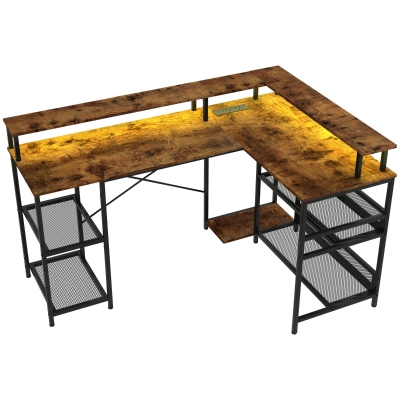
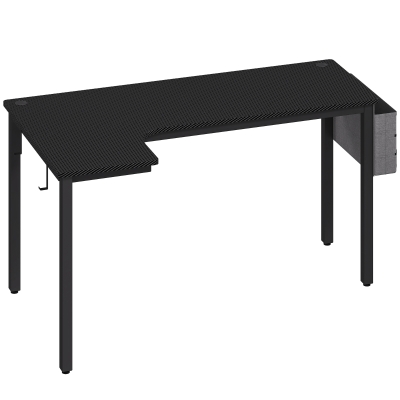
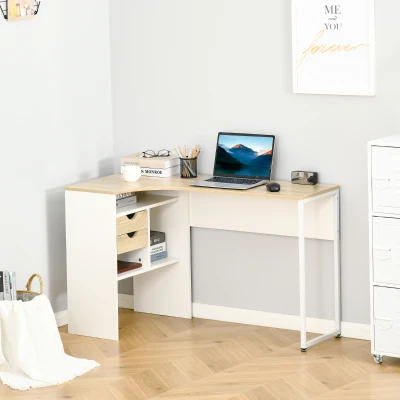
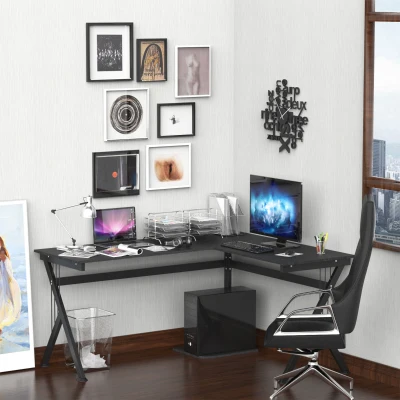
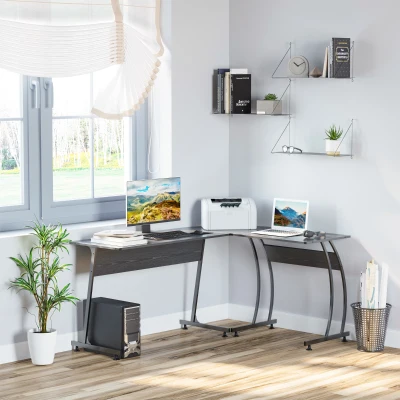
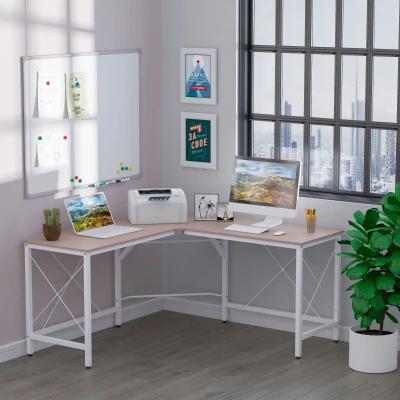
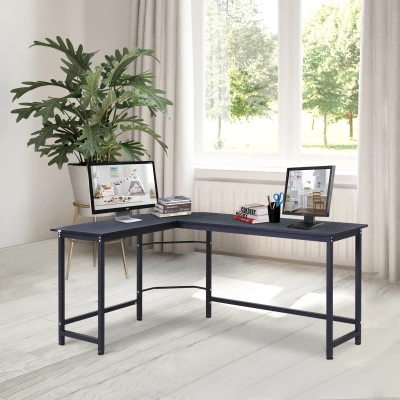
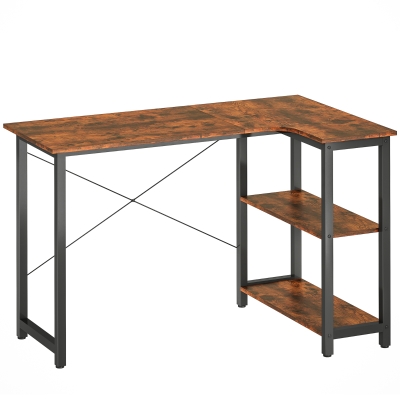
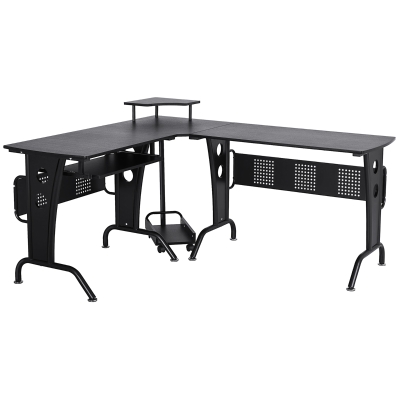
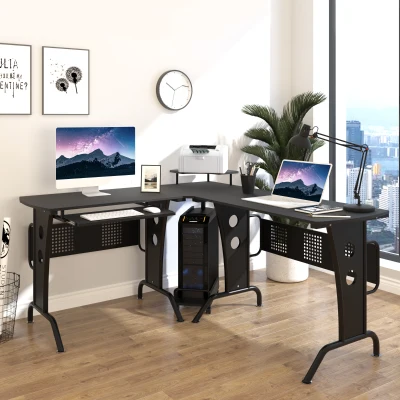
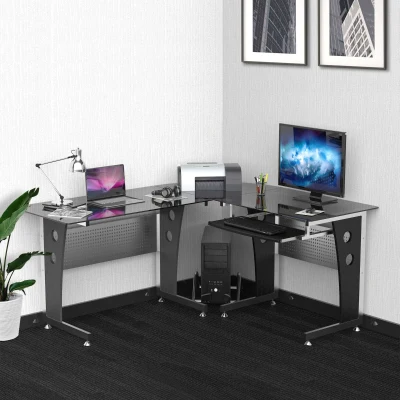
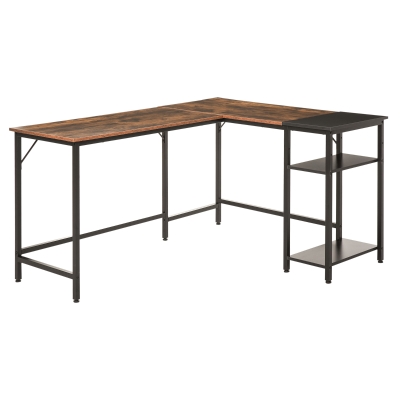
Corner & L-Shaped Desks: Use Dead Space
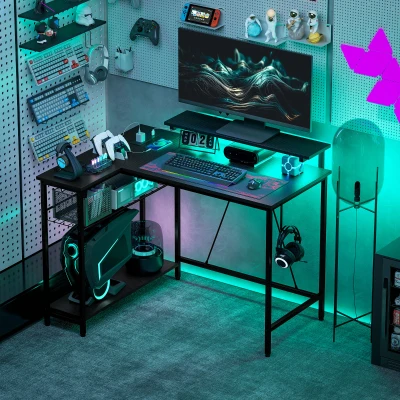
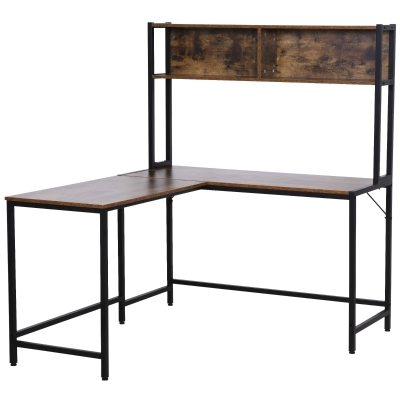
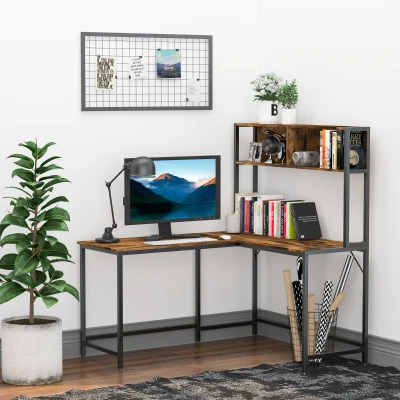
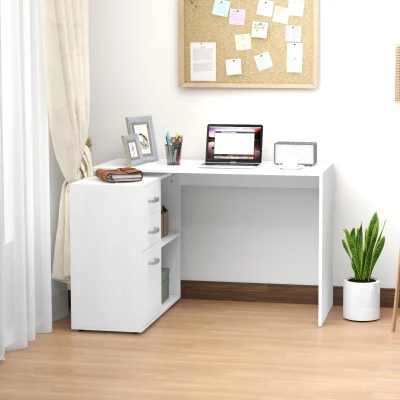
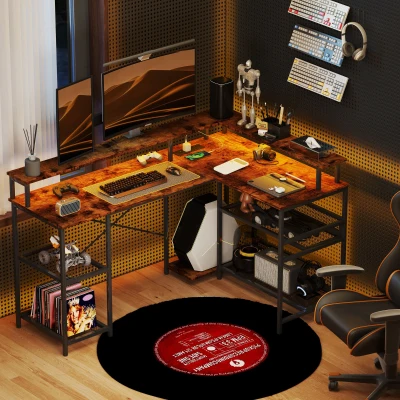
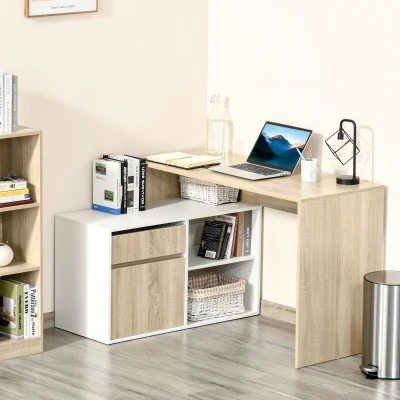
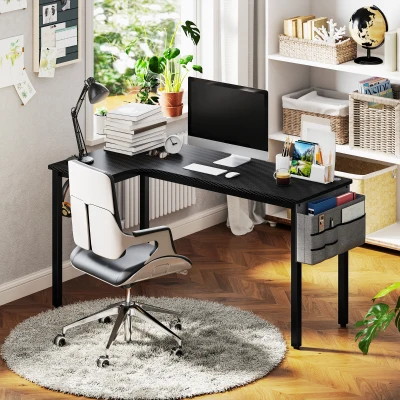
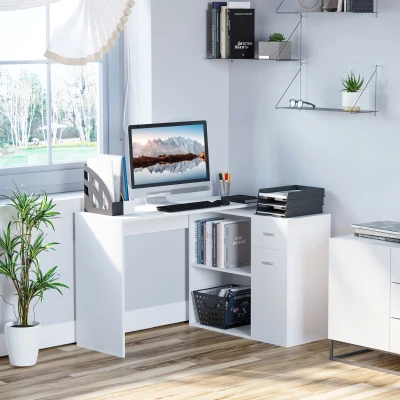
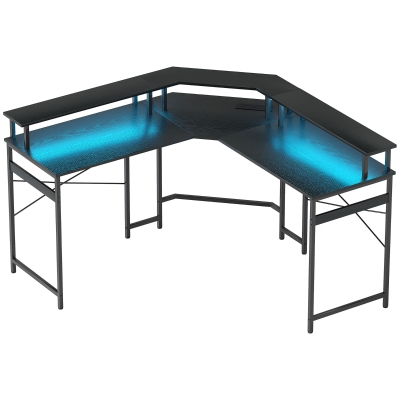
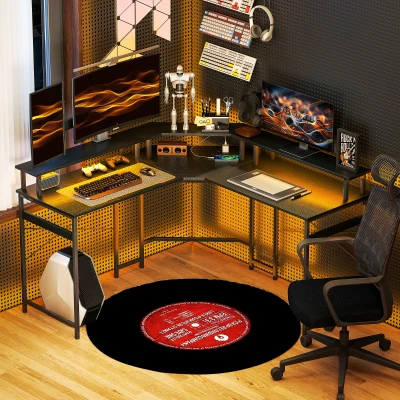
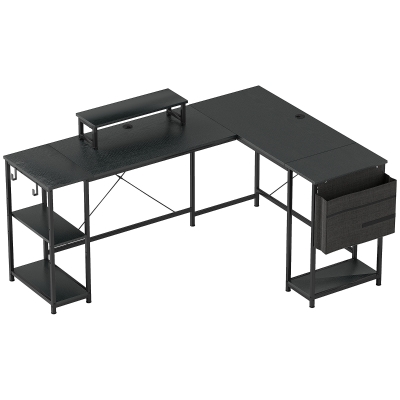
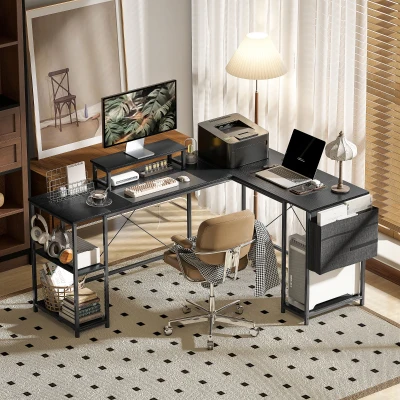
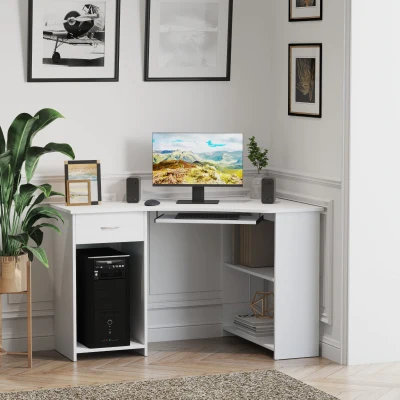
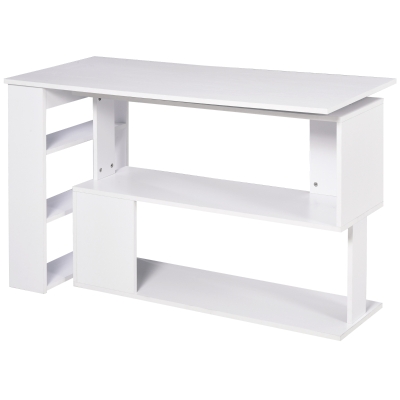
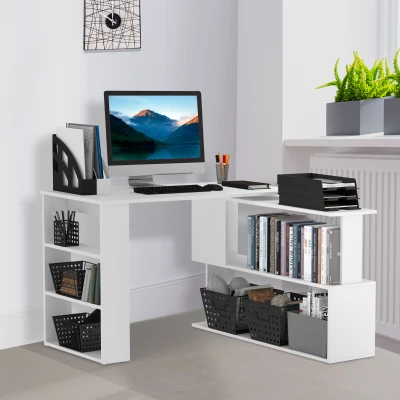
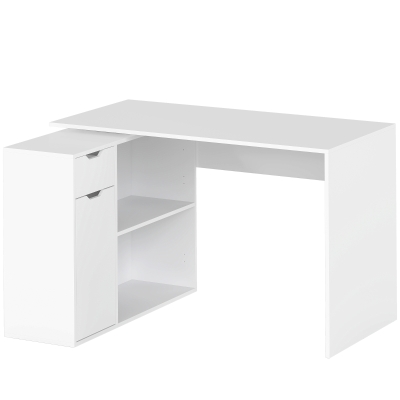
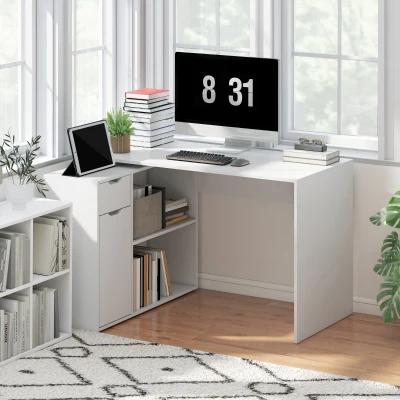
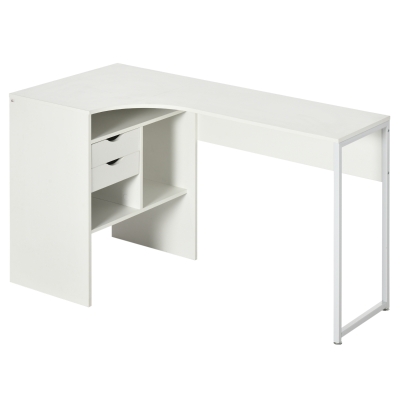
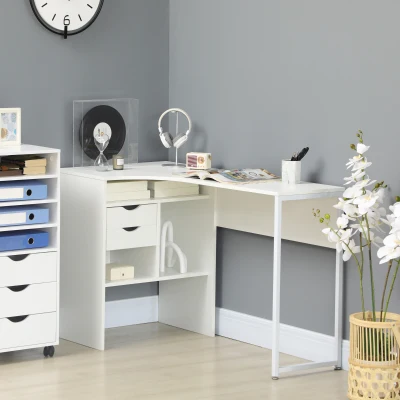
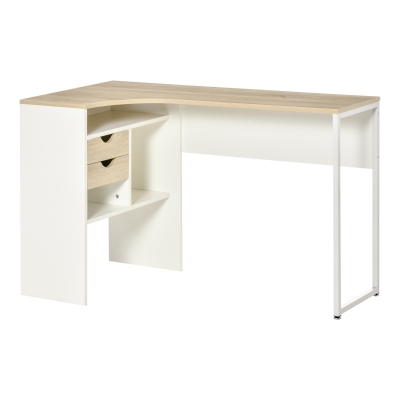
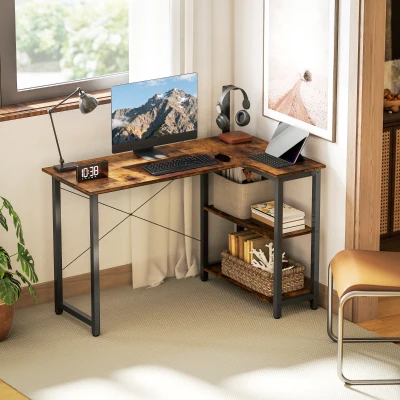
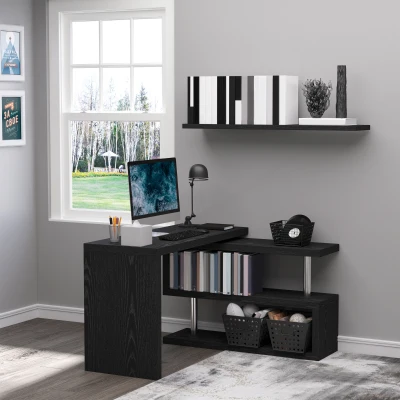
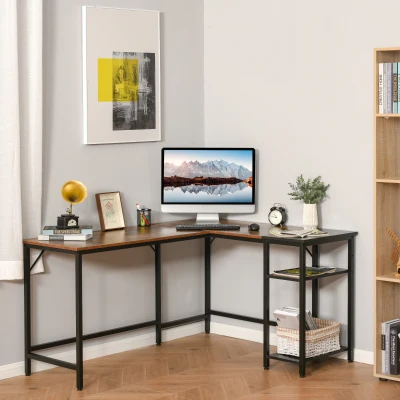
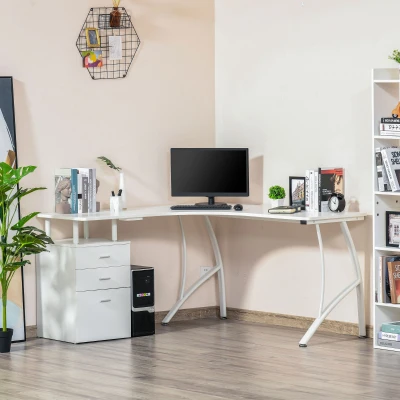
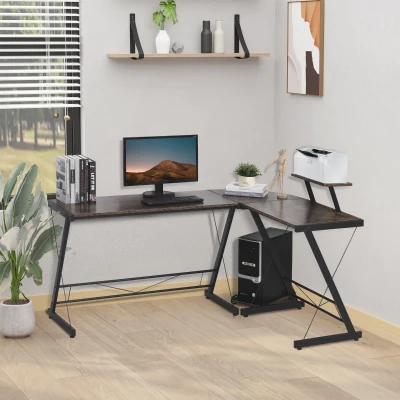
Corners are often wasted. An L-shaped or corner desk turns that dead zone into productive workspace, freeing up the centre of the room for other activities.[reference:5]Better yet, an L-shaped layout naturally creates two separate work zones — one side for computer tasks, the other for writing, documents, or meeting space. This separation reduces clutter and cognitive load, keeping you focused.[reference:6]
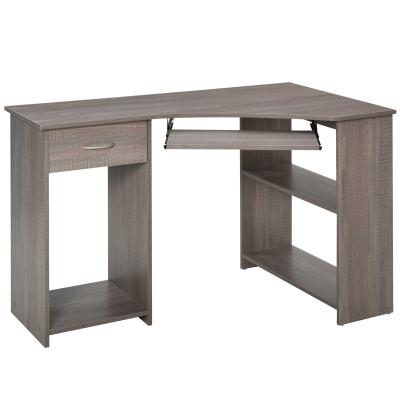
From an ergonomic standpoint, corner desks can also support a more angled dual-monitor setup, which feels more natural than turning your neck back and forth across a wide straight desk. If your work involves multiple screens or reference documents, an L-shape is worth considering. Browse our range of corner office desks to find a configuration that fits your workflow.
Rectangular Straight Desks: Simple and Flexible
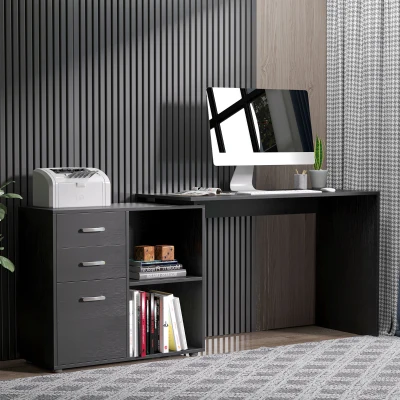
Straight, rectangular desks are the classic choice for good reason: they're adaptable. You can place them along a wall, float them in the middle of the room, or tuck one into a shallow alcove. For very narrow spaces (under 100cm wide), a straight desk often works better than an L-shape because it doesn't require two clear adjacent walls.[reference:7]
The downside? You lose the dedicated secondary surface. If your work is primarily computer-based with minimal paperwork, a straight desk is perfectly fine. If you spread out multiple projects or use a desktop alongside a laptop, you may find yourself wishing for extra real estate. Explore our selection of rectangular office desks for simple, space-efficient designs.
3. Right-Size the Desk Depth and Clearance
In a small room, depth is the silent space killer. A desk that's too deep pushes your chair into the middle of the room. A desk that's too shallow leaves no room for a keyboard and monitor.
For most compact home offices, 20–24 inches (50–60 cm) of depth is sufficient for a laptop, monitor, and keyboard without crowding.[reference:8]If you plan to use a larger screen or need to spread out paperwork, aim for 24–30 inches (60–75 cm). For dual monitors, 75–80 cm (29–31 inches) of depth is recommended to maintain proper viewing distance. [reference:9]
You also need circulation space. Leave a minimum clear zone of 30–32 inches (75–80 cm) behind your chair so you can push back, stand up, and walk past without knocking anything over.[reference:10]If your room can't accommodate that, consider a wall-mounted or fold-down desk that frees the floor entirely.
4. Shop Small: Furniture That Fits Tight Spots
When every centimetre counts, choose pieces designed for compact living:
- Slim-profile desk: Look for widths of 80–120cm (32–48 inches) — enough for a single monitor and a notebook, but not so wide that it dominates the room.[reference:11]
- Narrow desk depth: As above, 45–60cm is the sweet spot for laptop work.
- Compact task chair: A chair with a small footprint, adjustable seat height (16–21 inches / 40–53 cm), lumbar support, and breathable mesh. Skip bulky headrests and wide armrests that won't fit under the desk.[reference:12]
- Fold-down or floating desk: If your room serves multiple purposes (bedroom + office), a wall-mounted fold-down desk disappears when not in use. Mounted on hidden brackets, it leaves the floor completely clear.[reference:13][reference:14]
- Mobile pedestal: A small filing cabinet or storage unit on casters tucks under the desk when you don't need it and rolls out when you do.
5. Work Vertically: Storage That Doesn't Eat Your Desk Surface
In a small workspace, horizontal storage is the enemy. Stack up instead.
Wall shelves: A 25–30cm (10–12 inch) deep shelf mounted just above your monitor keeps books, reference materials, and small bins within arm's reach without cluttering your work surface.[reference:15]
Pegboards or rail systems: Mount a slim pegboard on the wall behind or beside your desk. Hang headphones, cables, scissors, pens, and a small whiteboard. Everything stays off the desk but remains instantly accessible. [reference:16]
Monitor risers with storage: A simple riser lifts your screen to eye level (solving that ergonomic problem) while creating a shallow drawer or compartment underneath for pens, sticky notes, and small tech accessories.[reference:17]
Under-desk trays: Mount a tray under the desktop to hold your keyboard when not in use, or to stash cables and power strips out of sight. A CPU holder on casters lifts your tower off the floor for easier cleaning and better airflow.[reference:18]
The principle is simple: the only things that belong on your actual desktop are the items you use every 10 minutes — keyboard, mouse, and screen. Everything else goes up on the wall, down under the desk, or away in a drawer.
6. Position Your Monitor Correctly (Even on a Small Desk)
This is the most common ergonomic mistake I see in compact setups: people place their laptop directly on the desk, then spend the day looking down at a screen that's 15cm below eye level. The result is neck strain, rounded shoulders, and headaches by 3 PM.
The fix: Use a monitor arm or riser to lift your screen to the correct height. A monitor arm is especially useful in small spaces because it frees up desk depth — the arm clamps to the back edge of the desk, so the monitor's base doesn't take up 15–20cm of precious surface area.[reference:19]
If you're a laptop user, get an external keyboard and mouse. Place the laptop on a riser or stand so its screen is at eye level, then use the external keyboard at desk height. Your neck will thank you within a week.
Positioning rules: The top of your screen should be at or slightly below eye level. The screen should sit about an arm's length away (50–75cm). Angle it back 10–20 degrees to match your natural downward gaze.[reference:20]
7. Manage Cables to Reclaim Visual Space
Tangled cables don't just look messy — they steal usable space. A nest of wires under your desk becomes a hazard for your feet and a barrier when you need to reach something. Worse, the visual clutter raises your cognitive load, making a small room feel even smaller.[reference:21]
Simple fixes:
- Mount a power strip or surge protector under the desk (not on top or on the floor). Adhesive clips or screw-in brackets hold it in place.
- Use cable sleeves or braided wraps to bundle loose wires together — one tidy bundle instead of eight dangling cords.
- Label each cable near the plug end with a small sticker or heat-shrink tag. When you need to unplug something, you won't spend five minutes tracing wires.[reference:22]
- If you move your setup often, use velcro ties instead of zip ties. You can undo and redo them without cutting anything.
FAQ
What is the minimum desk width for an ergonomic setup?
For a single monitor plus a notebook and mouse, aim for 80–100cm (32–40 inches) wide. This gives you enough space to keep your primary work zone (keyboard and mouse) centred directly in front of you, with the monitor aligned to your midline. If you regularly use a second monitor or need to spread out paperwork, step up to 120–140cm (48–55 inches). Anything smaller than 80cm, and you'll find yourself twisting your neck or reaching awkwardly.[reference:23]
Can a standing desk work in a very small room?
Yes, with careful selection. Look for a narrow standing desk frame with a desktop width of 90–120cm (36–48 inches) and a depth of 45–60cm (18–24 inches). Some sit-stand converters (the kind that sit on top of an existing desk) can be bulky, so measure the footprint before buying. If you're tight on space, a compact adjustable base with a custom-cut desktop is often the better route. The benefit — alternating between sitting and standing throughout the day — is worth the planning, as it reduces lower back fatigue during long work sessions.[reference:24]
Is it OK to use my laptop directly on the desk without a riser?
Only for very short periods. Working on a laptop screen placed directly on a desk forces you to flex your neck downward, which strains the cervical spine over time. The 20-20-20 rule can help: every 20 minutes, look at something 20 feet away for 20 seconds. But the real solution is a laptop stand + external keyboard and mouse. You raise the screen to eye level, keep your wrists neutral on the external keyboard, and protect your posture. This costs under €50 and makes an enormous difference.[reference:25][reference:26]
What's the best desk depth for a dual monitor setup in a small room?
You need a minimum of 75–80cm (29–31 inches) of depth. This ensures both monitors sit at a comfortable viewing distance (about an arm's length) while leaving room for your keyboard and mouse in front. If your room truly can't accommodate that depth, consider a monitor arm to pull the screens closer without moving the desk, or switch to a single ultrawide monitor instead of two separate displays.[reference:27]
Can I use a dining chair as an office chair in a small space?
For occasional use, yes. For daily 8-hour workdays, no. Dining chairs lack adjustable seat height, lumbar support, and tilt tension. Without height adjustment, your desk height likely won't align with your elbows. Without lumbar support, your lower back will ache. The upfront cost of a proper ergonomic task chair is far less than the physio bills you'd accumulate after a year of poor posture. If space is extremely tight, look for a compact mesh-back task chair with a small base — they exist and fit where executive chairs won't.[reference:28]
Quick Setup Checklist: Your 5-Minute Ergonomic Tune-Up
Once your desk is in place, run through this checklist. Adjust one thing at a time:
- Chair height: Feet flat on the floor, thighs parallel to the ground, knees at or slightly below hip level.
- Desk height (if adjustable): Elbows at 90 degrees, forearms parallel to the floor, shoulders relaxed.
- Monitor height: Top of screen at or slightly below eye level, 50–75cm (arm's length) away.
- Keyboard and mouse: B key centred in front of you, mouse immediately adjacent, wrists straight (not bent up or down).
- Avoid glare: Position desk perpendicular to windows, not facing them. Use blinds or matte screen filters if needed.
- Take breaks: Stand up, stretch, and look into the distance every 30–60 minutes.
Even in the smallest corner of your home, these adjustments transform how your body feels at the end of a workday. Start with what you can change today — monitor height is usually the easiest fix — and build from there.